Christmas gift
Give a game made just for them
Pick a game, make it theirs with your own data, graphics, sounds and music, and send it with a personal note.
Sending a game starts with a free registration.
Try Odoo Game Studio free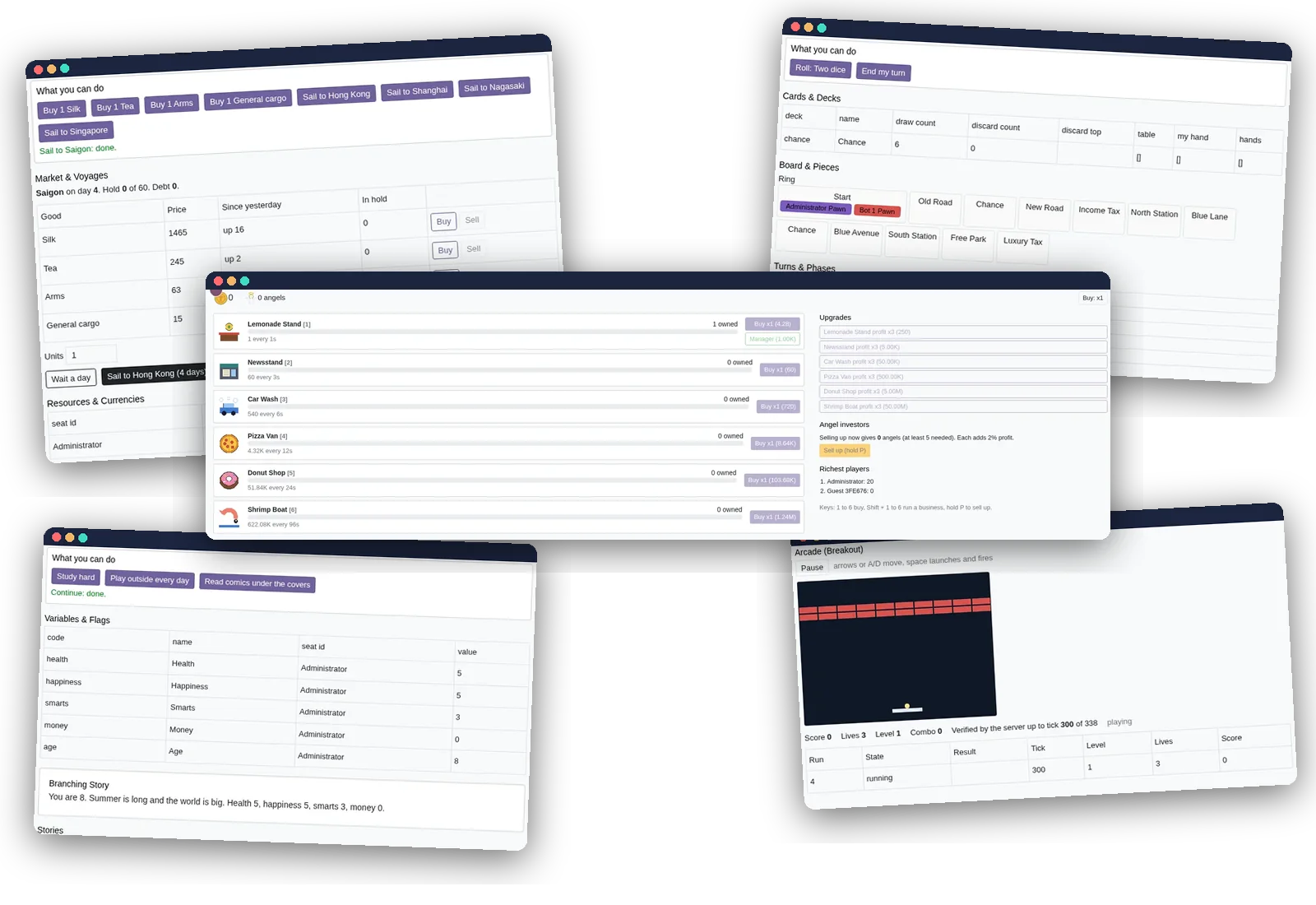
How a gift is made
Step by step, and what works today
A gift is a game you made your own, sent with a note. Here is what works today and what is still planned.
-
Pick a game
Play the five games and choose the one that suits the person you are giving it to.
Works today -
Change its data
Every name, number and rule of a game is a record. In the studio, "Duplicate game" makes your own copy to change: the names of the businesses, the prices, the goals.
Works today with a studio (Game Designer) login -
Add your own graphics
Pictures are records too: any record of a game can carry your picture, set from the studio's design screens.
Works today with a studio (Game Designer) login -
Add sounds and music
The audio suite holds each game's sounds and music as banks, tracks and events you can edit or replace in the studio.
Works today with a studio (Game Designer) login -
Send it with a personal note
In My Games, press Share, then Send by email. Type the address, write your note, preview the real email and send. The person gets a big "Play the game" button.
Works today -
They open it and play
The button in the email opens the game for them. They do not need an account to start playing.
Works today -
A simple make-it-yours screen for everyone
Changing a game's data, pictures, sounds and music without a studio login, in one guided screen.
Planned, not built yet