Welcome: five games in five minutes
Lecture 1 of 50 · free preview
Five games in five minutes.
Then thirty more.
You have just walked into a game studio that lives inside Odoo. Five real games are already running on this site, and you can play each of them right now, on a laptop or on a phone, with no sign-up. This page is the long version of the tour: what the studio is, why it was built, how a game is put together out of records, what the thirty days ahead of you will build, what you will actually learn, and what it all costs.
Play Day 1 nowJump to the 30 days

How to use this page
Sixteen short sections. Read in order, or jump.
This is the written companion to the video. The video gives you the tour in about eight minutes; this page gives you everything behind it, with the real screens, the real numbers and the honest status of each piece. Each section ends with a short recap, so you can skim.
Every number you see on this page was read from the running site on 2026-11-27: the mechanic counts, the record counts of each game, the prices, the screenshots. Where something is planned rather than built, a box labelled Honest status says so. Where a term is new, it is explained the first time it appears, and nothing assumes that you have made a game, used Odoo or written code before.
01 · What it is and why
A game studio that lives inside Odoo
Odoo Game Studio turns Odoo, the business platform, into a place where games are designed, played, refereed and taught.
Odoo is best known for running companies: accounting, sales, inventory, websites and online courses. Underneath all of that, it is a very well-built framework for one particular kind of problem, which is keeping a lot of structured information in order. It stores things as records, it controls who may see or change each record, it gives every record a form and a list screen for free, it serves a website, it sends email, and it runs courses. Those are exactly the things a game also needs behind the scenes: a place to keep the rules and the content, a place to keep every player and every score, and a way to teach people how it works.
Odoo Game Studio puts a game layer on top of all of that. It is a set of Odoo 20 modules. When they are installed, your Odoo can hold games the same way it holds customers and invoices: as data, in tables, with forms you can open. A game has players, who sit in seats. Everything a player does is a move. Odoo checks each move against the rules of the game, applies it, writes it down and tells everyone what happened. The screens that players actually see are separate, and they can be built in the browser, in Godot or in Unity, but the truth of the game always lives in Odoo.
What is on this site right now
A kernel that referees
Sessions, seats and moves, with every move stored. The same seed and the same moves always give the same game, so any game can be replayed.
58 mechanics
Ready-made building blocks such as dice, markets, stories, timers, shops, auctions and leaderboards, grouped in sixteen families. They are listed live in the Mechanic Gallery.
18 recipe modules
A recipe is a whole game written as data: which mechanics it uses and every number, text and level it contains. Five of them are the course games you can play.
A game shell
The title screen, pause menu, settings, save and load, leaderboards and "how to play" that every game gets for free.
A 2D scene editor
A visual editor for the screen of a game, driven by records, with export adapters for Godot and Unity.
A course library
The courses live in Odoo eLearning, on the same database as the games. This lecture is the first of fifty in the introduction.
Why it exists
There are three reasons, and the order matters, because the first one is the reason you are here.
First: games are the most enjoyable way to learn real Odoo development. A game gives instant, visible feedback. When you change a price in a record, you can play the game thirty seconds later and feel the difference. When you break a rule, a test turns red and tells you in plain words what you broke. At the same time, nothing about a game here is a toy format. A game is made of ordinary Odoo models, fields, views, controllers, modules and tests, the same vocabulary as every Odoo project. A partner or developer who builds thirty small games in thirty days has practised, thirty times, the exact moves that client projects need.
Second: a game maker should be able to keep the rules, the content and the players in one place they control. Most hosted game backends store whatever the game client tells them. If the client says you scored a million points, they record a million points. Odoo Game Studio takes the opposite position: the server referees. The client asks to make a move and the server decides whether that move is allowed. That is slower to build and much harder to cheat, and it makes games replayable, testable and teachable.
Third: a framework with one door is something an AI helper can drive safely. Every change to a game goes through a small number of declared, validated operations. An AI agent that proposes a move or a scene edit cannot quietly corrupt the data, because the same checks run on its request as on yours. That makes the studio a good partner for AI-assisted development, which is a large part of what this course teaches.

The studio is aimed at three kinds of people: Odoo partners and developers who want a more enjoyable way to learn the framework deeply, indie game makers (Godot first, Unity next) who want a back end for players, scores and content that they host themselves, and educators who want a structured path from zero to a finished game.
This introduction assumes none of that. If you have never opened Odoo, never made a game and never written a line of code, you are in the right place.
Honest status
It helps to know the limits from the first minute, so nothing later is a surprise.
- Turn-based and move-based play is the home ground. Real-time games work by letting the browser or the engine run the action while Odoo replays and verifies the result. Brick Breaker works that way today. Fast shared-world real-time play, such as a shooter with many players in one arena, is out of scope for the core.
- A connection is needed. The rules run on the server, so a game needs to reach it. The Godot kit keeps a local cache and a queue of moves for patchy connections.
- Godot is supported; Unity is written but has not yet been compiled inside the Unity editor; Unreal is not started. The thirty-day plan reflects this.
- Days 6 to 30 are plans. Five games are playable and have courses today. The rest are described honestly as plans, and you will see the difference on every page.
Recap
- Odoo Game Studio is a set of Odoo 20 modules that make Odoo a place to design, play, referee and teach games.
- Everything about a game is stored as ordinary Odoo records, and the server, not the player's screen, decides what happened.
- The first reason for all of it is learning: games are a fast, visible way to practise real Odoo development with an AI helper.
02 · The one big idea
A game is a set of records
Games are records. The kernel referees every move. Mechanics are building blocks. Rules are records too.
Almost everything else in this course is a consequence of those four sentences. Let us take them one at a time, using the five real games.
What is a record? A very short explanation
Think of a spreadsheet with many tabs. One tab holds ports, another holds goods, another holds routes between ports. Each tab is what Odoo calls a model: a kind of thing. Each row on a tab is a record: one particular port, such as Hong Kong. Each column is a field: a piece of information about the record, such as its name or its price level. Records can point at one another: a route points at two ports, and a price record points at a port and a good. That is all a database is, and it is all that Odoo shows you in its lists and forms.
Now apply it to a game. Take Harbour Trader, the trading game on Day 2. If you open the studio and look inside, you do not find a program. You find a game record that picks four mechanics and is filled with 5 ports, 4 goods and 20 routes. Add a record and you have a sixth port. Change a number and pirates strike more often.

One idea, four meanings, five games
The sentence "a game is data" hides four different ideas. The tabs below show each one with examples from all five playable games, so you can see that this is not a slogan: it is how every one of them is built.
What changing a game looks like
Because a game is data, changing it is an editing task, not a programming task. Here is the whole workflow, using a real number from the live site. In Adventure Capitalist, the price of the next Lemonade Stand follows a curve: it starts at 4 coins and each stand you own makes the next one 7% dearer (a rate of 1.07). The Newsstand starts at 60 and rises 15% per stand; the Shrimp Boat starts at about 1.24 million and rises 11%.
Suppose you want a gentler start. You would do exactly this:
- Open Game Studio > Games and pick Adventure Capitalist.
- Press New version. The published version is frozen (a published game never changes under players), so Odoo makes a draft copy for you.
- Open the Lemonade Stand price curve in the draft and change the rate from 1.07 to 1.05.
- Press Check design. Odoo reads the whole game and tells you in plain words about anything that does not fit together.
- Press Publish and play. The first ten stands now cost less than before, and you can feel it.
You did not write code, and you did not break the original, which is still there as version 2. That change is what lectures 12 and 13 of this course practise in detail, and it is what the first days of the thirty-day plan build on.
Worth knowing
Do not read "a game is data" as "no code ever". Most games need no new code, because the mechanics they use already exist. A genuinely new kind of play, such as a maze chase or a card duel, needs a new mechanic, once, and then everyone can use it. Writing that mechanic is what the separate developer courses teach. Making and changing games with the existing mechanics is what this course teaches.
Recap
- Models are kinds of things, records are rows, fields are columns, and a game is a set of rows that a few shared mechanics read.
- Each of the five games picks from the same catalog, and every game has a record-by-record description you can open in a form.
- To change a game you make a new version, edit a record, run Check design and publish, which keeps the original safe.
03 · The referee
How every move is checked
The screen never decides what happened. It asks, and Odoo answers.
Every game here, from an idle business to a board game, follows the same road from a click to a result. Learning that road once explains all five games, and thirty more.
A session is one play of one game: your Harbour Trader season, or last night's Property Trader match with a friend. A session has seats, one for each player. Whatever a player does is a move: buy, sail, choose, roll, launch the ball. A move has a type, the seat that made it, and a payload, which is the detail ("buy 10 tea"). The kernel, the shared referee at the bottom of the studio, handles every move through one door. In order, it:
- takes a lock on the session, so two moves can never collide;
- checks that this exact move was not already processed (a double click or a retried request must not buy twice);
- checks that the move was made against the latest state, by comparing a revision number;
- checks who may act: in a turn-based game, is it this seat's turn and this phase?;
- checks that the payload is valid for the declared move type;
- runs the move's handler, which is the code of the mechanic that owns this kind of move;
- lets the rules react: every event the move caused is offered to the triggers, which may apply more effects;
- writes the move and its events down, and adds one to the session's revision.
All of that happens inside a single database transaction. If any step fails, nothing is written. That is the property that makes the studio trustworthy: a game is never left half-changed.
You can see the result of that road in the studio itself. Open any session in Game Studio and its Moves tab lists, in order, every move that was made, who made it, and the revision it produced. The screenshot shows a One Life session: the session starting, the story continuing, and an option being chosen. The Events tab beside it lists what the rules did in response.

The diagram shows the same road at a glance. Notice that the first and last steps, the click and the result, are the only parts the player's screen is involved in. Everything between them happens on the server, in Odoo, where it is recorded.
This is the main difference between Odoo Game Studio and a hosted game backend that stores what the client reports. If a client could simply say "I now have a million coins", cheating would be as easy as editing a request. Here the client can only say "I would like to buy a Lemonade Stand", and the server works out whether you can afford one.
Same seed, same moves, same game
Every session has a seed, a number chosen when the session is created, and chance is drawn from it: dice, shuffled cards, storms at sea, the life event that arrives at age 16. Because chance comes from the seed and not from the clock, the same seed with the same list of moves always produces the same game. This is called determinism, and it has four practical consequences that you will meet again and again:
Games can be replayed
The stored moves are a complete recording. Any state of the game can be rebuilt by replaying moves from the start.
Tests can be exact
A test can create a session with a known seed, make moves, and assert the precise result. No flaky tests, no "usually works".
Fairness is easy to show
In Harbour Trader, prices are a pure function of the seed, so every player given the same seed faces the same market.
Scores can be verified
A fast real-time game can run in your browser, as long as the server can replay the run and get the same score.
The proof, live: Brick Breaker
Brick Breaker is the clearest demonstration. A ball bouncing at sixty frames a second cannot send every frame to the server. So the browser plays at full speed and keeps a log of your inputs. Every hundred ticks it sends a segment of the log. Odoo replays the segment with the same seed and the same integer arithmetic, and compares the result with what the browser reported. The run counts only if they agree. In the screenshot of the game later on this page, the caption under the play field reads Checked by the server up to tick 200 of 227: that is the server telling you how far it has verified your run so far. A score on the Brick Breaker high-score board is one that Odoo has seen with its own eyes.
| Who | Decides | Never decides |
|---|---|---|
| The player's screen | How things look and feel; which move to ask for | Whether a move is allowed, or what it does |
| The kernel | Order, turns, locks, revisions, who may act | What a "buy" or a "roll" means in a particular game |
| A mechanic | What its kind of move does: a trade, a dice roll, a bid | The rules of any one game |
| The rules (records) | When, if and then: which conditions trigger which effects | How a move is stored or ordered |
| The records | The truth: state, history and score | Nothing; they are what the others write to |
Worth knowing
Guests are real users. When you open a game page without signing in, Odoo quietly creates a guest player for you, with a name like Guest 3FE676. Your moves, saves and scores belong to that guest, and the guest can appear on a leaderboard, because to the referee a guest and a signed-in player look the same. You will spot guests on the "Richest players" board of Adventure Capitalist.
Recap
- A session is one play, seats are the players, moves are what they do, and all moves go through one door that checks and records them.
- Chance comes from a seed, so the same seed and moves give the same game: replay, exact tests, fairness and verifiable scores follow.
- Brick Breaker plays in your browser and is verified by the server replaying your input log every hundred ticks.
04 · Building blocks
Mechanics, rules and recipes
A mechanic is the part of a game you have seen a hundred times. A recipe is the game you make from them.
Think of a box of building bricks. Each brick is a mechanic: a ready-made, tested piece of play that does one thing well. A market with prices that drift. A deck of cards that shuffles and deals. A die. A countdown timer. An auction with bidding. A branching story. A leaderboard. A shop. The catalog currently holds 58 of them, in 16 families, and section 09 charts them from the live site.
The instructions for what to build is a recipe: a list of which mechanics a game uses and every number, text and level that fills them. The finished model is a session that people play. A recipe is a module made only of data, with no Python code in it, which is why the five course games can be read, copied and changed by people who do not write code.
Between the two sits the layer that most surprises newcomers: the rules.
Six layers, built bottom up

It helps to see where these pieces sit. At the bottom is the kernel, the referee that every game shares. On top of it sit the mechanics, then the rules that connect them, then the recipes that turn it all into a game. Players meet a game through clients, the screens they play on, and media and input: art packs, skins, sound and controllers. Beside all of them stands the hub: the library, sharing, lobbies and leaderboards that let players meet.
You do not need to memorise this. Lecture 4 walks the map again, one layer at a time, with the real screens, and follows a single click through all six. The important thing for now is the direction of dependence: each layer relies only on the ones below it, which is why you can swap a recipe without touching a mechanic, and a client without touching either.
Games 1 to 15 run their clients inside Odoo. Games 16 to 30 may use a game engine such as Godot for the client, while Odoo stays the back end that holds the data, runs the rules and keeps the scores.
Rules are records, too
A rule is a small sentence with four possible parts, and each part is a record you can open in a form. A condition is a yes/no question ("do you owe nothing?"). An effect is a change ("add 100 to cash"). A trigger says when to look: when an event happens, if a condition holds, run an effect group. A curve is a number that scales, such as a price that rises with every unit you own. Mechanics contribute their own kinds of conditions and effects, so a rule can say things that only make sense in a market, or on a board, without the rule system knowing about either.
Here is the same pattern in five different games. The sentences on the right are what the live records actually say, in plain words:
| Game | When | If | Then |
|---|---|---|---|
| Harbour Trader | the season ends on day 120 | you owe nothing | your cash is posted to the "Richest traders" board; 50,000 debt-free wins |
| One Life | you reach a new stage of life | your numbers allow it | the next choices unlock; a locked one shows its reason, for example "Needs 1,000 saved" |
| Adventure Capitalist | you sell the empire | you would earn at least 5 angels | the businesses reset and each angel adds 2% to all profit |
| Brick Breaker | a run finishes | the server replay agrees with the browser | the verified score is posted to the high-score board |
| Property Trader | a turn passes through its phases | it is your seat and the roll phase | you may roll; then act; then end the turn |
Recipes, versions and variations
Three more ideas keep a library of games manageable, and they are all visible on the live site.
Versions. A game that is published is frozen, so players never find the rules changed under them. To change it, you make a new version, which is a draft copy, edit the draft, and publish it. Adventure Capitalist exists on this site as version 2, and its first form, Bakery Tycoon, is still there as version 1: a record of how the game improved.
Variations. A game can include another and then adjust a few parameters, instead of copying everything. Adventure Capitalist: Lucky Day is a live example: the same game with a random event table added. A mutator is a named bundle of parameter changes (a "free parking jackpot", a "double salary") that the player or the lobby can switch on.
Check design. Before anything is published, a button called Check design reads the whole game and explains problems in plain words: a choice with no way out, a currency nothing can earn, a game with one seat and no leaderboard. It is the first of several safety nets, and lecture 14 shows the others.
A contract is a short declaration that sits above a piece of mechanic code. It says: this move has these inputs, it needs these records to exist, and it announces these events when it succeeds. The kernel enforces the declaration before the code runs. A test fails if any declared move, effect or condition has no real handler behind it, so a mechanic that promises something it does not do cannot be installed quietly.
A mechanic is an ordinary Odoo module, and picking it for a game means installing it. The Apps menu is therefore the mechanic catalog. Each mechanic depends only on the kernel and on any other mechanics it truly uses, and nothing depends on a recipe. That one-way direction is what makes the building blocks interchangeable.
Each mechanic ships with one small screen that shows it working: a dice roll, a card pick, a piece moving, a countdown. They are not game interfaces; they are the proof that the mechanic does what it says. The Mechanic Gallery in Game Studio lets you try every one.
A recipe only supplies data. It cannot fork or patch a mechanic's code, so a fix to a mechanic reaches every game that uses it, and a game can never quietly disagree with the building blocks underneath it.
Recap
- Mechanics are tested, interchangeable building blocks; a recipe is a game written purely as data that picks mechanics and fills them in.
- Rules are records of conditions, effects, triggers and curves, so you read and edit them in forms rather than in code.
- Versions freeze what players see, variations reuse a game with changed parameters, and Check design explains problems before you publish.
05 · Two sides
Players play. Makers look inside.
Same database, same records, two doors. One door is for playing; the other is for understanding and changing.
When you sign in to Odoo Game Studio you see two things that look like two apps, because they are. They exist to serve two different kinds of person, and one of the best ways to learn the studio is to keep switching between them: play a game on the players' side, then open the same game on the makers' side and find the record that made it behave that way.
This is My Games, the catalog side. A player sees a library of games, each with Play, Lobby and Share buttons, an invite code box, a gallery of games other people have shared, and stars for favourites. There are no tools here, no records and no menus of settings: it is a place to pick a game and play it.
Behind each Play button is the player page you will see in the next section, a full-screen page with no Odoo menus at all.
This is the Play Console inside Game Studio, the maker side. Each game has a New session button, a Play vs computer button where it makes sense, and the menu bar leads to the Mechanic Gallery, Games, Sessions, the Mechanic Catalog, Operations, Game Design and the Scene Editor. Every rule of every game is a record you can open from here.
| Players: the Games catalog | Makers: Game Studio | |
|---|---|---|
| Who | Anyone who plays, including guests | Designers and developers with the game designer access group |
| Where | My Games and /game/play/<code> | The Game Studio app, with Play Console, Games, Sessions and Game Design |
| Sees | The game, scores, lobbies, share links | Every record behind the game: rules, numbers, versions, sessions, moves |
| Can change | Their own settings, saves and controls | Drafts of games (never a published one), scenes, art and sound |
| Typical task | Play, invite a friend, climb a board | Tune a number, remix a game, check, publish, read a session's move log |
The split matters for a practical reason as well as a tidy one. A player never needs to see the machinery, and a maker should never be able to change a game while people are playing it. Because published versions are frozen, the makers' side edits only drafts, and the players' side only ever sees published games. The platform-wide leaderboards sit on the players' side but are fed by the rules that makers wrote, so a score is something a rule posted, never a number a client sent.
Recap
- The players' side is a library and a full-screen player page; the makers' side is Game Studio with every record behind a game.
- Both sides read and write the same records, but only drafts can be edited, and only published games are played.
06 · The player page
One page, every game, no sign-up
Every game opens in the same full-screen shell, so a title screen, a pause menu, saves, settings and controllers are written once and shared.
The easiest way to see what the studio gives a game is to look at what a game does not have to build. Each of the five games has a player page at /game/play/<code>, for example /game/play/taipan for Harbour Trader. The page has no Odoo menu bar. It mounts a small program called the shell, which draws the title screen and the pause menu, and which then mounts the game's own screen in the middle. The shell is written once; the games just describe themselves to it with records.
Visiting the page without an account is fine: Odoo makes you a guest player, so a friend can open a link and be playing in seconds. Use the tabs to see the parts of the shell, then read on for saves, controllers and sound.

Open /game/play/<code> for any game and the first thing you meet is its title screen: key art, the name, a one-line promise, and the same set of buttons for every game. New game starts a session. Continue appears when you have one in progress. Load opens your saves. Settings, Leaderboards, How to play and Credits complete the menu. You can drive all of it with a mouse, a finger, the keyboard or a controller.
Every game fills this screen from records: the key art and menu background are media assets, the how-to-play text is a field on the game, and the credits come from the licences of the art and sound the game uses.
Press Esc, the controller's Start button, or the corner button on a phone, and the game pauses. The pause menu offers Resume, Save, Load, Settings, How to play, Leaderboards, Restart and Quit to title. For a game with a clock, such as Adventure Capitalist, it says plainly that the game keeps running on the server while you are away. That is a feature: your managers earn while you sleep.
Settings are the same for every game and are stored in one record per player, so they follow you from game to game and from device to device. They are grouped in four tabs: Audio (master, music, effects and interface volume, and mute), Controls (keyboard and controller bindings with a Change button for each), Display and Gameplay. The Display tab holds the accessibility options: reduce motion, screen shake, text size from 0.8 to 1.6 times, colour-blind modes, vibration and an FPS counter.
Every game has a leaderboard that its rules post to, and every player can open it from the title screen or the pause menu. Boards can have periods, such as day and week, and the studio can give rewards for rank. In Adventure Capitalist the board is called Richest players; in Harbour Trader, Richest traders; in One Life there are two, Happiest lives and Wealthiest lives; in Brick Breaker, High scores; in Property Trader, Richest landlords.
The shell is designed for a phone first. The pause button sits in the top corner where a thumb reaches it, the buttons are large, and each game's own screen reflows to a single column. The strip below shows the title screens of all five games on a 390-pixel-wide phone, captured from the live pages.
And here are the games themselves, in play, at the same width.
Saves: a bookmark, not a copy
Every move of every session is already stored, so a save does not copy anything. It is a bookmark: a record that points at a session and a revision. Each player has room for ten manual saves, three automatic ones and one quick save for each game. Loading the latest bookmark simply resumes the session. Loading an older one forks: Odoo creates a new session from the same game version and seed, replays the moves up to that revision, and lets you carry on from there. It is the replay property from section 03, put to practical use. A shared session with other human players cannot be forked by one of them.
Controllers, keyboards and touch
Games do not read the keyboard or the gamepad themselves. They declare logical actions such as "launch" or "move", and an input layer, also built from records, maps those to Space, to the A button, to a tap or to an analogue stick. Look at the Controls tab above: Brick Breaker's Launch is Space on the keyboard and A on a controller, and a Change button lets a player remap either. Because bindings are data, adding controller support to a game is mostly a matter of filling in a table.
Sound and music
The same idea applies to sound. A game lists cues: which sound plays on which game event, and which music loops on which screen. The course games use a shared kit of 18 sound effects and 6 music loops, all released as CC0 (free to use for anything). The audio service mixes them, ducks the music when a menu opens, and respects the player's volume settings. The "Sound on" and "Volume" buttons you can see on the Adventure Capitalist screen belong to that service.
In plain words
The shell and the services behind it (input, audio, animation, the game clock, big numbers) are written once, in one home each, and every game asks them for what it needs. That is why a brand-new game on Day 12 can have a pause menu, controller support and a settings screen on the first afternoon: it does not build them, it declares what it needs.
Try it yourself
Open /game/play/taipan and press New game. Buy a cargo, sail, then press Esc and look at the pause menu. Then open Settings > Controls to see the bindings. It takes two minutes, and it is the best way to understand this section.
Recap
- Every game opens in one shared full-screen shell with a title screen, pause menu, settings, saves, leaderboards and how-to-play.
- Saves are bookmarks into the move log, input and sound are data read by shared services, and all of it works on a phone and for guests.
07 · The makers' side
Inside Game Studio: design mode, scenes and engines
Every record behind a game is a click away, and the screen of a game is itself editable data.
The players' side of the studio is meant to be simple. The makers' side is where the depth is, and it is built from ordinary Odoo screens: lists, forms, a menu bar. That is deliberate. Because a game is records, the way to look inside it is the same way you look inside an invoice or a contact: you open it.
There are three parts to know about. Design mode is the set of menus for reading and editing a game's records. The Scene Editor is the visual tool for a game's screen. And the engine adapters let a scene, and a game's content, travel to Godot and Unity. Use the tabs to see each.
Open Game Studio > Games and pick a game, and you meet the game form. At the top are four buttons that carry most of a maker's work: Check design reads the whole game and explains any problem in plain words; New version makes an editable draft of a published game; Duplicate game makes an independent copy to remix; Export as XML writes the game out as the same data file a recipe module contains. The fields beneath say what the game is: its name, its code (the code taipan is what appears in the player page address), its version, its state (draft or published), the minimum and maximum number of seats, and the course day it belongs to.
Below the form, tabs list its Sessions, every play that has ever happened, and its Shell options such as the title image and the how-to-play text. From a session, you can open the Moves and Events tabs and read, in order, everything the players did and everything the rules caused. The Game Design menu, grouped by mechanic, opens the lists of records behind each game: its ports, goods and routes, its story nodes and options, its curves, conditions, effects and triggers.
The Scene Editor is a visual editor for the screen of a game, written in OWL and driven by records. Each of the five games has a published scene named <game>: play, 720 by 1280 pixels in portrait. Harbour Trader's scene has 9 nodes, Brick Breaker's has 8, Adventure Capitalist's 9, Property Trader's 11 and One Life's 14. In the screenshot you can see the node tree on the left (a root group, a glow, a stripe, a HUD panel with labels, a title and a market widget), the canvas in the middle with the design size choices along the top, and the inspector on the right.
Three design choices make this editor unusual. Every edit is a command. Dragging a node, changing a colour and adding a label all go through one door, with a log, undo and redo (the arrows at the top left), so people, scripts and AI helpers all edit the same way. Scenes are records, not files. A JSON document can be exported, but it is generated from the rows and is never the source of truth. And widgets are bound to game state: the Market block in the screenshot is a widget that reads the game's prices and sends its Buy and Sell moves to the referee. The editor also has an AI tab, where prompts are stored as records, and a History tab, which lists the commands.
A scene is engine-neutral, so it can be exported. The scene contract defines nineteen node types, such as groups, shapes, text, sprites, panels, labels, buttons and widgets, and each export target is a module that maps them onto an engine's own objects. The diagram shows the pipeline: scene records in Odoo, a generated scene document, and three places it can play.

| Target | What exists | Honest status |
|---|---|---|
| Browser | The scene runtime plays a scene in OWL; each of the five games has a published play scene | Works today |
| Godot | An adapter module writes Godot scene files; a Godot SDK has an API client, content bundles, input and a local cache | Tested in Godot 4: the exporter's round trip and a scene load |
| Unity | An adapter maps all nineteen node types and most properties; an engine-free core has unit tests | Written; has not yet been compiled inside the Unity editor |
| Unreal | Planned for one course day | Not started |
Why the editor and the adapters matter to a beginner
You may never touch Godot or Unity in this course, and that is fine. The reason to know about them is to see how far the "everything is a record" idea reaches. The same records that run the five browser games also feed a Godot client, because the engine asks the same API for the same content and sends the same moves. Secrets, such as the answer to a puzzle, never leave the server. The data stays in Odoo; only the screen changes.
It also explains the structure of the thirty-day plan. Games 1 to 15 run entirely inside Odoo. Games 16 to 30 may use an engine for the screen, with Odoo as the back end that holds the data, runs the rules and keeps the scores.
Honest status
The scene editor, the Godot adapter and the browser scene runtime are installed on this site and work. The Unity adapter is written and tested outside Unity but has not yet been run in the Unity editor, and Unreal is not started. The course teaches what exists, and labels the rest as plans.
Recap
- Design mode is the Games, Sessions and Game Design menus, where every rule and number is a record you open in a form.
- The Scene Editor edits a game's screen as records, through undo-able commands that people and AI share.
- Scenes export to Godot (tested) and Unity (written, not yet run in the editor); Unreal is not started.
08 · Playable now
The five games, one by one
Five different kinds of game, built from the same blocks, each playable right now.
Each game below has a fresh screenshot of its real player page, captured on 2026-11-27, a plain-words tour of how it plays and how it is made, the facts read from the live site, a small experiment to try, and a link to play it. You can read them in order or jump with the pills.
Day 1 · Adventure CapitalistDay 2 · Harbour TraderDay 3 · One LifeDay 4 · Brick BreakerDay 5 · Property Trader
Day 1 idle business · built
Adventure Capitalist
Start with a lemonade stand and end with an empire that runs while you sleep.
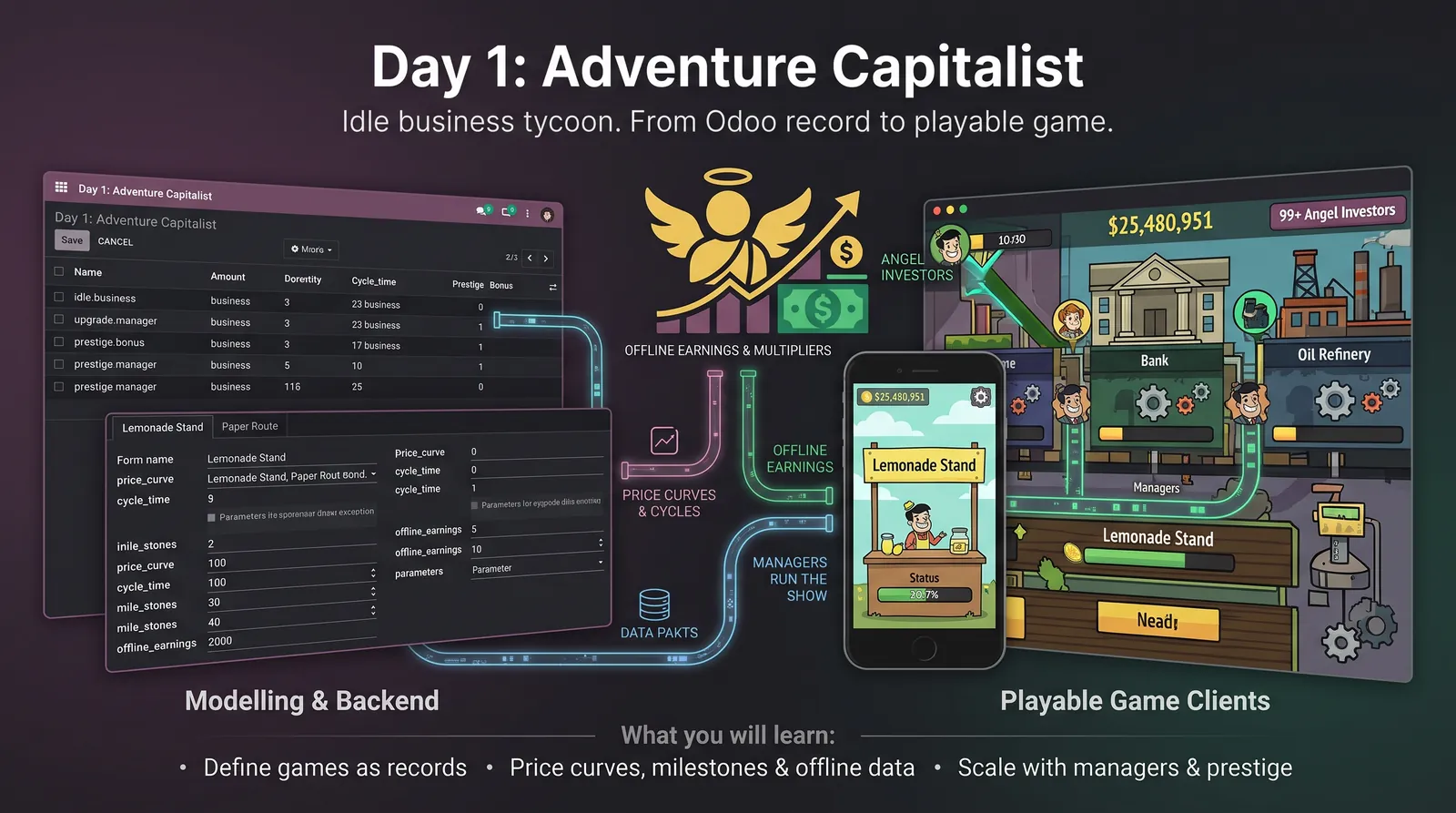
Adventure Capitalist belongs to the idle or incremental family: games where numbers go up, and the fun is in choosing what to buy next. You start with one Lemonade Stand and four coins. Each business earns coins on a timer called its cycle: the stand makes 1 coin every second, the Newsstand 60 every 3 seconds, the Car Wash 540 every 6, up to the Shrimp Boat, which makes about 622 thousand every 96 seconds. You buy more of each business, hire a manager so it runs without you, and unlock milestones that multiply its profit.
The deepest idea in the game is the price curve. Each business you own makes the next one dearer, by a different rate for each kind: 7% for the Lemonade Stand, 15% for the Newsstand, down to 11% for the Shrimp Boat. Choosing between "one more cheap stand" and "save for the Car Wash" is the entire game, and the curve is one record you can open.
When growth slows, you sell up: the empire resets and you earn angel investors, each adding 2% to all profit for ever. That is called prestige, and it is what turns a single run into a long game. Because managers keep earning while the player is away, the game also has offline earnings: when you come back, Odoo works out what your businesses made from the game clock.
Idle games grow past the largest number a computer can hold in an ordinary decimal (about 1.8 followed by 308 zeros). The studio solves this with a "big number" type stored exactly in the database, so a game can run for days without a price turning into infinity. The numbers you see on screen, like 1.24M and 103.68K, are formatted by a shared service, not by the game.
| At a glance | |
|---|---|
| Records in the recipe | 133 (6 businesses, 6 price curves, 24 milestones, 7 upgrades, a prestige layer, 2 achievements) |
| Mechanics | 7 of 58 |
| Seats and board | 1 to 4 seats, Richest players leaderboard |
| Versions | v2 is live; v1 (Bakery Tycoon) is kept as history; a Lucky Day variation includes it |
| What Day 1 teaches | Curves, offline earnings, milestones and iteration from v1 to v2 |
Try it yourself
Open the game, press 1 to buy a Lemonade Stand, then hold Shift and press 1 to run it. When you can afford it, buy a Newsstand with 2. Watch the cycle bar. Then imagine the rate in the price curve being 1.05 instead of 1.07: what would change?
It shows the most of the studio in one day: curves, production, upgrades, prestige, achievements, parameters, a variation and a leaderboard, plus its own client built for Odoo. Its model is also small enough to hold in your head.
A recipe with tests that pass, a client you can play, and a course. The recipe's own test folder holds 40 test methods, and the game is played on this site right now.
Play Adventure CapitalistOpen the Day 1 course
Day 2 trading · starter built
Harbour Trader
One ship, 1,000 in cash and 120 days to become a merchant prince.
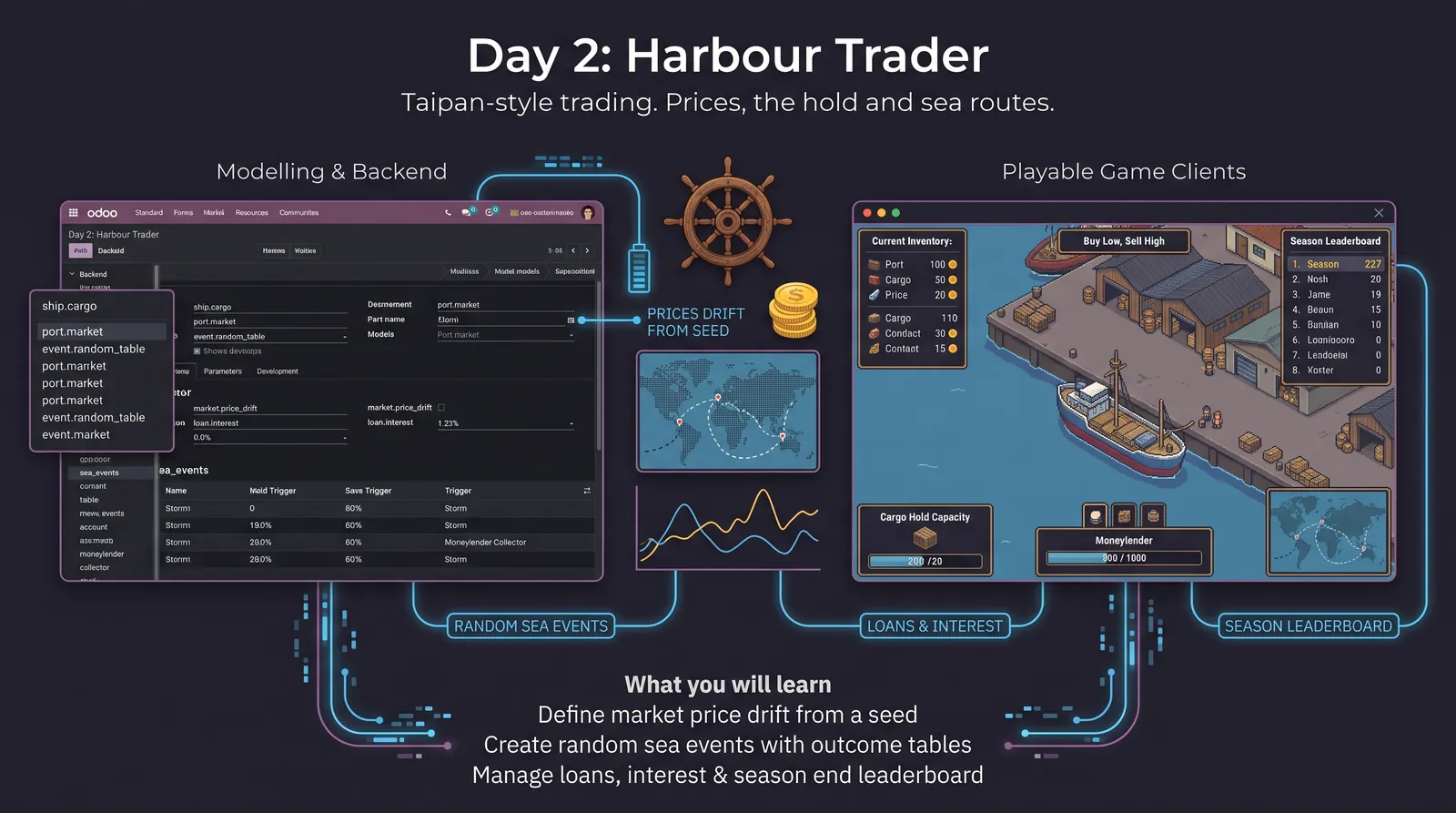
Harbour Trader is a trading game in the style of the classic sea-trader games. You are a merchant with one ship and a hold that carries 60 units of cargo. There are four goods (Silk, Tea, Arms and General cargo) and five ports: Hong Kong, Shanghai, Nagasaki, Saigon and Singapore. In the screenshot above, silk costs 1,200 in Hong Kong and general cargo only 12; each port has its own price level for each good, so a good that is cheap in one port is dear in another. The whole game is spotting that gap and sailing to use it.
Sailing takes days, and the days cost you: the route to Shanghai takes 4 days, to Nagasaki 6 and to Singapore 8. Meanwhile the moneylender in Hong Kong will lend you cash at 1% a day, and when you owe too much, his collector comes calling. You win by finishing the 120-day season debt-free and as rich as you can, with 50,000 as the line that counts as success.
What makes it a good teaching game is how little of it is code. The prices are a pure function of the seed, so every player given the same seed faces the same market, which is what makes the leaderboard fair. The sea events (storms, pirates, price news) are rows in a random table, with each row pointing at the effects it causes. Even the moneylender's 1% is a number in a record.
| At a glance | |
|---|---|
| Records in the recipe | 77 (4 goods, 5 ports, 20 port prices, 20 routes, a sea-event table, conditions and triggers) |
| Mechanics | 4 of 58 |
| Seats and board | 1 seat, Richest traders leaderboard |
| Planned for Day 2 | Ships and upgrades, a warehouse in each port, a pirate fight, and its own client with a sea chart |
| What Day 2 teaches | Prices as a function of the seed, events as data, loans and interest |
Try it yourself
Press New game, buy 10 of the cheapest good, and sail to the port where it sells dearest. Then ask yourself why the prices in the second port were what they were. Is it luck, or is it a record you could open?
A starter is a complete, playable recipe that the day's course then upgrades. Harbour Trader plays through a whole season today; Day 2 adds ships, warehouses and a pirate fight and turns it into a course. The honest label on the five games is built or starter built.
It is a solo game with a platform-wide board, which satisfies the design rule that every game lets players meet through at least a leaderboard. Section 10 explains the rule.
Play Harbour TraderOpen the Day 2 course
Day 3 life simulator · starter built
One Life
Six choices. One life. How will yours end?
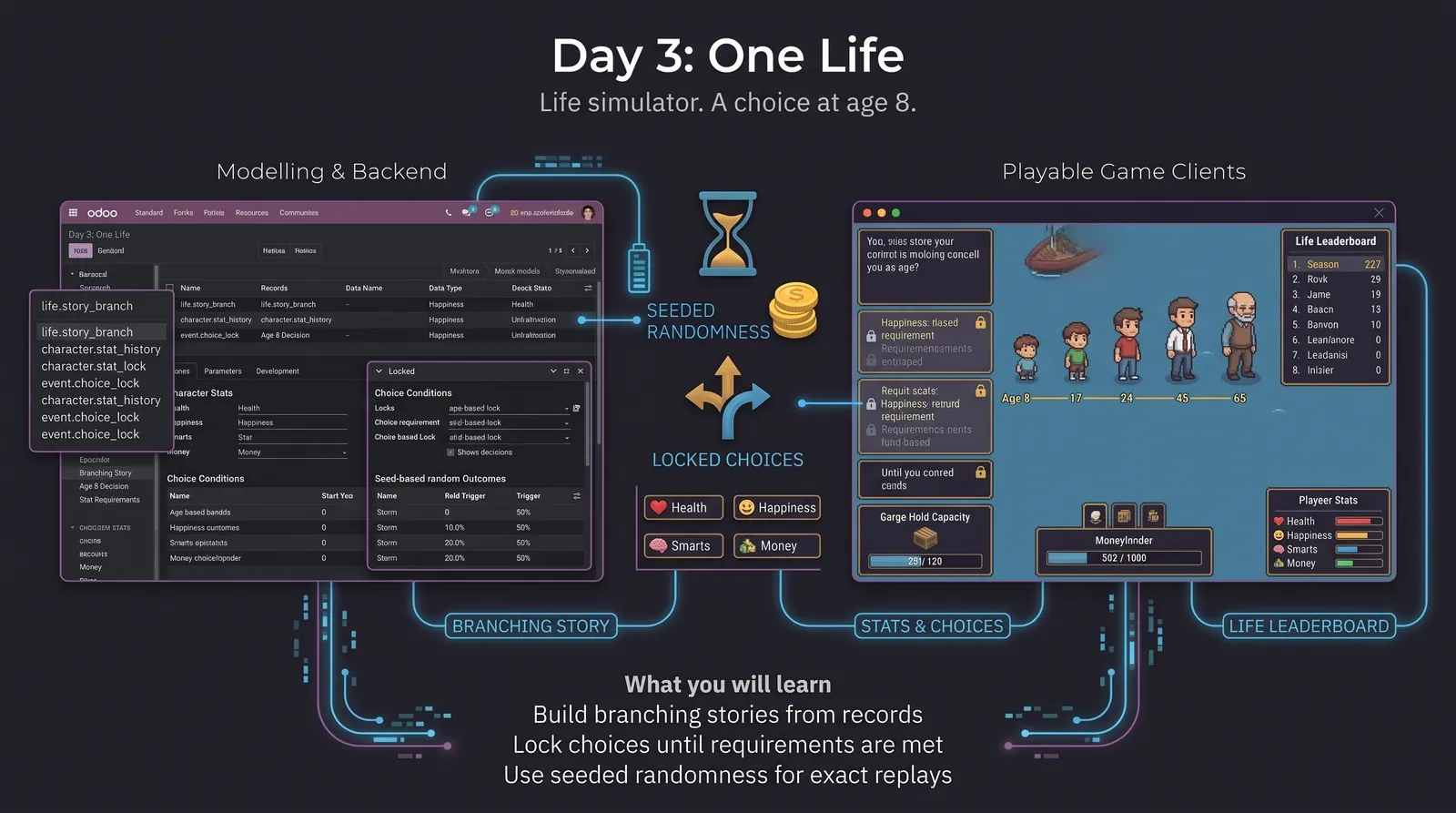
One Life is a life simulator in the style of the popular text-based life games. You live a life from age 8 to 65 in a handful of choices. At each stage, you pick one of a few paths: study hard or play outside, go to university or learn a trade, become a doctor or open your own business. Your five numbers, health, happiness, smarts, money and age, change with every choice, and the numbers decide which roads stay open.
The roads that lock are the game's best idea. In the screenshot of a life at age 45, one option reads Open your own business, needs 1,000 saved: it is visible but unavailable until your money allows it. Each locked choice shows its reason, which is what makes the game feel fair. Each option is a record with a condition; the "needs 1,000 saved" is that condition read aloud.
Life also throws surprises. At each stage, the game rolls a table of life events: a friend for life that adds a point of happiness, a quiet year, a windfall. The roll comes from the seed, so the same seed gives the same life, and the story of a life can be replayed move by move. In the screenshot, health has fallen to 3 and happiness to 2 after a long career; the game's own test says why: working late all life burns you out. That sentence is a rule in a record, and also a test the studio runs.
The game ends with one of four endings, chosen by your numbers, and two boards rank the results: Happiest lives and Wealthiest lives. The two boards ask different questions of the same life, which is a small lesson in game design.
| At a glance | |
|---|---|
| Records in the recipe | 161 (5 variables, 12 story nodes, 23 options, 4 endings, 7 conditions, a life-event table, 64 effects in 32 groups) |
| Mechanics | 4 of 58 |
| Seats and board | 1 to 4 seats; Happiest lives and Wealthiest lives |
| Planned for Day 3 | A yearly loop, careers and salaries, relationships, a family tree and a shareable life story |
| What Day 3 teaches | Branching stories as records, conditions that lock choices, seeded randomness you can replay |
Try it yourself
Play a life twice and make different choices. Then open the Pause menu, choose Restart, and make the same choices as the first time. Do the same events happen? That is determinism, and it is the reason the games can be tested so exactly.
A story is a set of nodes (the stages) and options (the choices). Each option has a condition, and effect groups that run when it is picked. The reader you play and the list a maker edits are the same rows.
Up to four seats can sit at a session, and the two boards rank everyone on the platform. A life is personal, but the leaderboard makes it social.
Play One LifeOpen the Day 3 course
Day 4 arcade · reference cabinet built
Brick Breaker
Four walls, three lives, every score checked by the server.
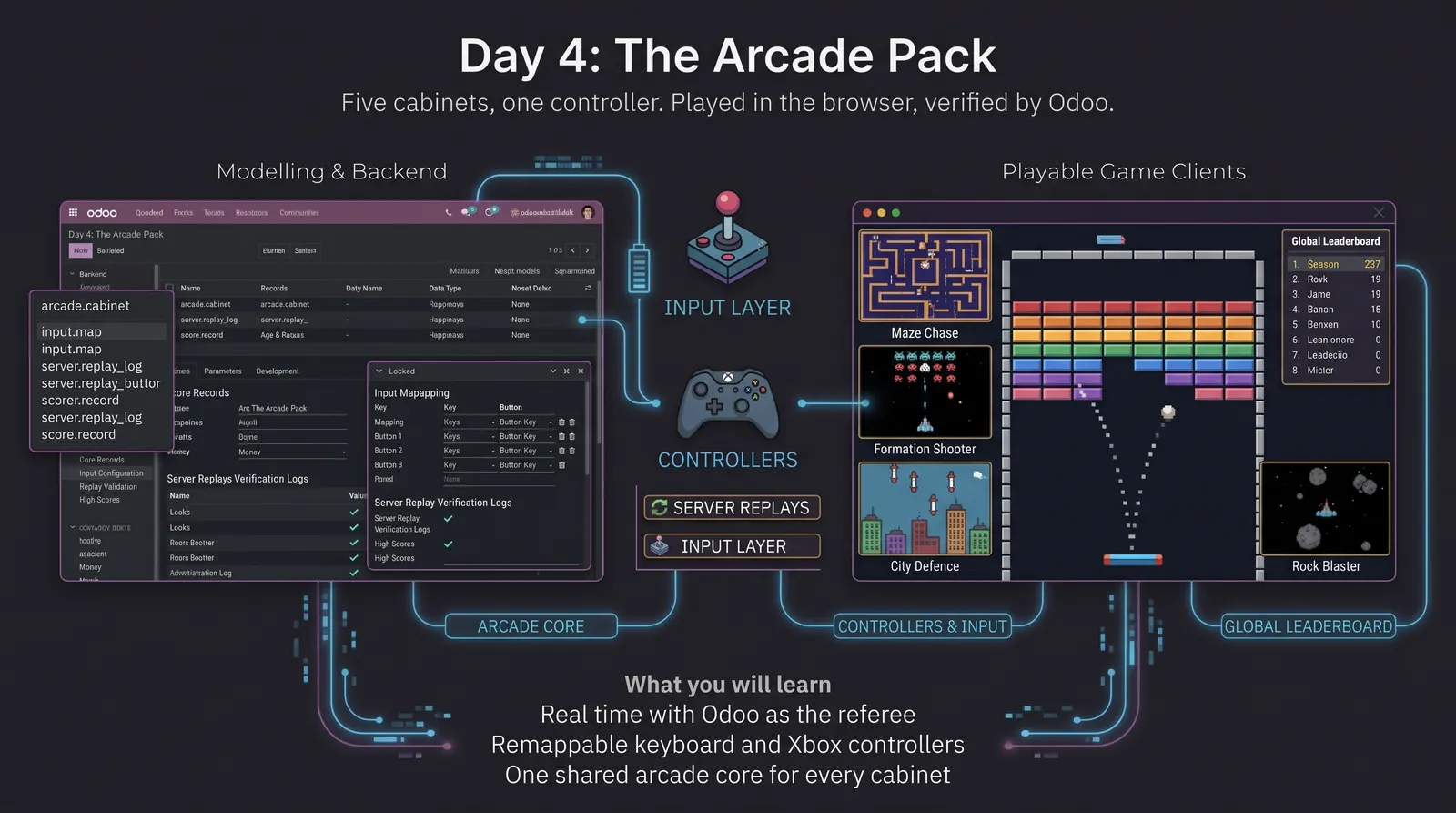
Brick Breaker is a breakout-style arcade game and the first real-time game in the studio. A paddle, a ball and rows of bricks: break them all, catch the power-ups that fall, and survive four levels. The screenshot above is a real run in progress. The score is 10, two lives are left, and the caption under the field says the server has checked the run up to tick 200 of 227.
Look at what makes this unusual. The browser runs the simulation at full speed, but Odoo is still the referee. The levels are not images: each is a few rows of letters, one letter per brick, so that a level is a row of text you can edit. There are three brick types, three power-ups and twenty tuning parameters such as ball speed and paddle width, all of them records. And every hundred ticks the server replays your input log to check your score.
Brick Breaker is also the reference cabinet of the Arcade Pack, which is what Day 4 builds: five cabinets, all playable with a controller, all sharing one platform-wide high-score board. Brick Breaker is built, tested and verified today, and it is the model every new cabinet follows. The five cabinets of the pack, in the styles of a paddle duel, a maze chase, a swooping shooter, a missile defence game and an asteroid-field shooter, are plans with a written specification. They are labelled as plans wherever they appear.
| At a glance | |
|---|---|
| Records in the recipe | 50 (4 levels in 15 rows, 3 brick types, 3 power-ups, 20 parameters) |
| Mechanics | 2 of 58 |
| Seats and board | 1 to 4 seats, High scores board fed only by verified runs |
| Planned for Day 4 | The five cabinets of the Arcade Pack: paddle duel, maze chase, swooping shooter, missile defence and asteroid-field styles |
| What Day 4 teaches | Real time with Odoo as the referee, controllers through the input layer, a shared leaderboard |
Try it yourself
Press New game and Start, then use the arrow keys or A and D to move, and Space to launch the ball. Try to reach a score of 100 and notice the caption under the field catching up as the server verifies your run.
Because a score the client sends could be invented. Replaying the input log with the same seed and the same integer arithmetic produces exactly the same run, so the server can verify a score without trusting the browser.
Yes. The input layer maps the logical actions (move, launch, fire, pause) to keyboard keys, to a gamepad, and to touch buttons on a phone; the Controls tab in Settings lists all three and lets a player remap them.
Play Brick BreakerOpen the Day 4 course
Day 5 board game · starter built
Property Trader
Roll, buy streets and stations, and collect the rent.
Property Trader is a property-trading board game for two to four players in the style of the classic family board games. You roll two dice, move your piece around a board of spaces, buy the streets and stations you land on, and collect rent from the other players when they land on yours. It also has chance cards, taxes, a free parking space, auctions, and trading between players. It is the most mechanic-rich game of the five: it uses nine of the fifty-eight building blocks.
In the screenshot, it is round 3 and the player's turn in the Roll phase, with the dice showing a total of 2. Two seats appear in the side panel: You with 1,650, and Computer 1 with 1,380 and the Blue Avenue. A computer player is a bot that fills an empty seat, so the game is fully playable alone, and the same code runs a bot or a person. The panel under the seats, headed What happened, is the live feed of events: it is the move log that every game keeps, shown to the player in plain words.
The records tell you how the game is built. A board is a record with twelve spaces. There is one deck of three chance cards, one die type with six faces and a pool that rolls two of them, six asset types in three colour groups, each with levels of rent, and three turn phases that move from roll to act to end. A turn is a phase transition, and the phase and turn policies are enforced by the kernel for every game.
| At a glance | |
|---|---|
| Records in the recipe | 120 (a 12-space board, 6 asset types in 3 groups, a deck, a die, 3 phases, effect groups for every landing) |
| Mechanics | 9 of 58 |
| Seats and board | 2 to 4 seats, computer players fill empty seats, Richest landlords leaderboard |
| Planned for Day 5 | Personalising the board with your own streets, names and photos, house rules as mutators, and a lobby |
| What Day 5 teaches | Multiplayer turns with Odoo as referee, house rules as variations |
Try it yourself
Press New game, leave one computer player, and press Start. Roll, buy what you land on, and end your turn. Watch the What happened feed after the computer's turn: every line is one move or event the referee recorded.
No, the board is records: spaces with names and colour groups, laid out by the client. A personalised board in Day 5 is mostly a matter of editing those records and their art.
That is what the live recipe allows today. The seat range is a field on the game, so changing it is an edit, but the game has been balanced and tested at that range.
Play Property TraderOpen the Day 5 course
Recap
- Five games, five genres: an idle business, a trading game, a life simulator, an arcade game and a board game.
- All are built from records picked from the same mechanics catalog, all open in the same shell, and all have a leaderboard.
- Four are "starters" that their day upgrades, and one has its first of five cabinets; the labels say which.
09 · The numbers
58 blocks. Five very different games.
Every number on this page was read from the live site on 2026-11-27, and the charts below use only those numbers. The Mechanic Gallery groups the blocks into 16 families; the biggest are Economy and Action with seven each, then Goals & Scoring with six.
Mechanics per family (58 in all, read live 2026-11-27)
Mechanics per family (58 in all)
What the chart teaches. The catalog is broad but not random. Economy (7) covers resources, shops, auctions, trades, assets and inventory. Action (7) covers the arcade and simulation kernels. Investigation (5) powers detective games where a case is a set of clues and a fair-play check. Characters & Progression (5) is for stats, levelling and abilities. The families with only one or two blocks, such as Time, Combat or Chance, are small because each does one clear thing.
19 of 58 blocks already power the five games
Mechanics each game uses (read live)
The five games together use 19 of the 58 blocks. Leaderboards appears in all five, Resources & Currencies in three, and Random Tables & Loot in two. That is the point of building blocks: the next game starts with most of its parts already built and tested, and the 39 blocks not yet used are waiting for the games of days 6 to 30.
Which game uses which block
The matrix below is the same data as the bar chart, but showing which blocks each game picks. Read down a column to see how a game is assembled; read across a row to see how widely a block is reused.
| Mechanic | Capitalist | Harbour | One Life | Brick | Property |
|---|---|---|---|---|---|
| Leaderboards | ● | ● | ● | ● | ● |
| Resources & Currencies | ● | ● | · | · | ● |
| Random Tables & Loot | · | ● | ● | · | · |
| Achievements & Badges | ● | · | · | · | · |
| Arcade (Breakout) | · | · | · | ● | · |
| Auctions & Bidding | · | · | · | · | ● |
| Board & Pieces | · | · | · | · | ● |
| Branching Story | · | · | ● | · | · |
| Cards & Decks | · | · | · | · | ● |
| Dice | · | · | · | · | ● |
| Market & Voyages | · | ● | · | · | · |
| Ownable Assets | · | · | · | · | ● |
| Parameters, Patches & Mutators | ● | · | · | · | · |
| Prestige & Resets | ● | · | · | · | · |
| Production (Idle) | ● | · | · | · | · |
| Trading | · | · | · | · | ● |
| Turns & Phases | · | · | · | · | ● |
| Upgrades & Tech Trees | ● | · | · | · | · |
| Variables & Flags | · | · | ● | · | · |
How big is a recipe, and how well is it tested?
A recipe is data, so its size can be counted. The first chart counts the records written in each recipe's game data file; the second counts the test methods in the recipe module's own tests folder. Both were counted from the source files on 2026-11-27. They are not a measure of quality, but they tell you how much a game has been written down and how much of it a machine checks every time.
Records written in each recipe's game data file
Test methods in each recipe module's own tests folder
One Life has the most records, because a story has many small parts: twelve nodes, twenty-three options, sixty-four effects. Adventure Capitalist has by far the most tests because it has been through the most iteration: it has versions, a bot that plays it to a prestige, big-number tests and exercise solutions. The mechanics themselves are tested far more heavily than any recipe: the studio's full suite exercises every mechanic and the kernel together.
Recap
- There are 58 mechanics in 16 families, led by Economy and Action with seven each.
- The five games use 19 of them; Leaderboards is in all five.
- Recipes are data you can count: 50 to 161 records each, with the best-iterated game the best tested.
10 · Multi-user by design
Every game lets players meet
Every game here has more than one seat, a shared world, or at least a platform-wide leaderboard that the rules post to.
That is a design rule of the whole studio, not a feature of one game. A game that nobody else can see is a game that nobody talks about, and the commercial and teaching value of these games rises sharply once players can meet. So the rule is simple: every game must offer a way for players to meet, and the design check warns when a game has one seat and no leaderboard.
The important word is verified. A number on a leaderboard is never a number a client sent. It is posted by a rule, running on the server, from a state the server computed. That is why a score on the Brick Breaker board means something: Odoo replayed it. And it is why guests can be on boards safely.
| Game | Seats today | Board |
|---|---|---|
| Adventure Capitalist | 1 to 4 | Richest players |
| Harbour Trader | 1 | Richest traders |
| One Life | 1 to 4 | Happiest lives and Wealthiest lives |
| Brick Breaker | 1 to 4 | High scores (server-verified) |
| Property Trader | 2 to 4 | Richest landlords |
There are three ways the five games meet their players, and they are worth separating, because the later days of the course use all three:
A shared board
Harbour Trader is a solo season, but every finished season posts to the Richest traders board. Players meet by competing for the same seed-fair market.
Shared seats
Property Trader seats two to four players in one session, and computer players can fill the gaps. The referee enforces whose turn it is.
A shared platform
Lobbies, invite codes, share links and a public gallery, all in My Games, mean any game can be passed to a friend in one click. Shares can be forked into a draft of your own.
Odoo is the referee, not the network code. Live updates between players use polling of the session state, and the bus is used for invitations. Fast shared-world real-time play is out of scope for the core; the honest answer for such a game is to pair a real-time relay with Odoo, which still holds accounts, economy and the verified result.
Yes. Opening a game link makes the visitor a guest, a real but lightweight player. Guests can play, save and appear on boards; they can upgrade to an account later, and the course sign-up flow does exactly that.
A computer player is a bot that sits in a seat and makes moves through the same door as a person. It is what lets Property Trader be played alone, and it is also how a game is tested: a bot can play thousands of games and show you where the balance is wrong.
Recap
- All games are multi-user by design: more than one seat, a shared world, or at least a leaderboard that rules post to.
- A board entry is always verified by the server, never sent by a client.
- Meeting takes three forms: shared boards, shared seats and a shared platform of lobbies and links.
11 · The 30-day journey
One game a day. One course a day.
After this introduction, you build one game each day for thirty days, and every day is its own course.
The programme is thirty day courses, one per game, grouped in six weeks of five days. Each week ends with a capstone course in which you make something original from what the week taught. Every day course follows the same eight lectures: an overview of the game and its build plan, the design document with diagrams, the models, the engine and the mechanics, the recipes and contracts, the user experience, polish, and shipping it. A day course is also the plan and the progress tracker for building its game, so when you complete a lecture you also see how far the build has come.
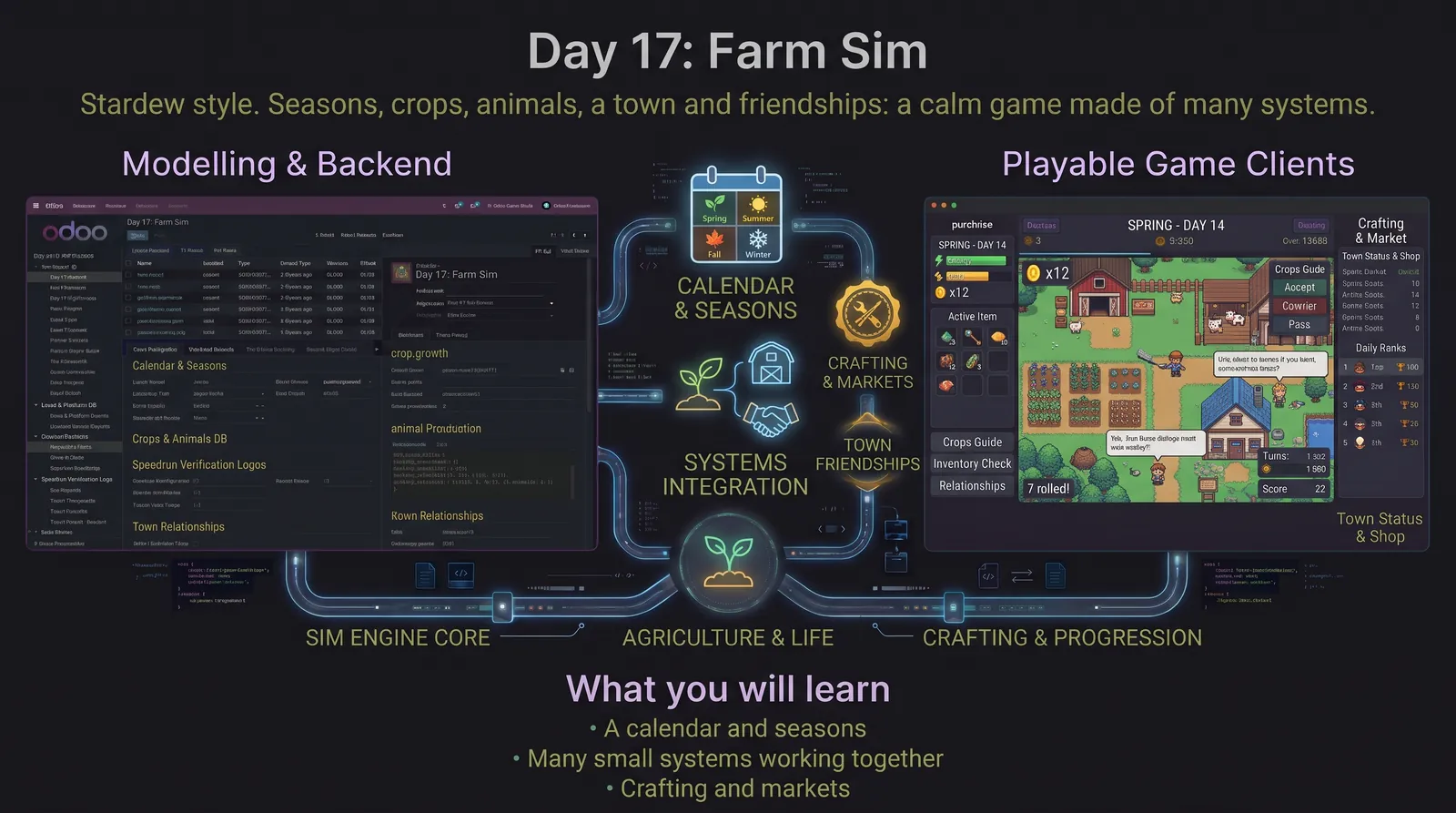
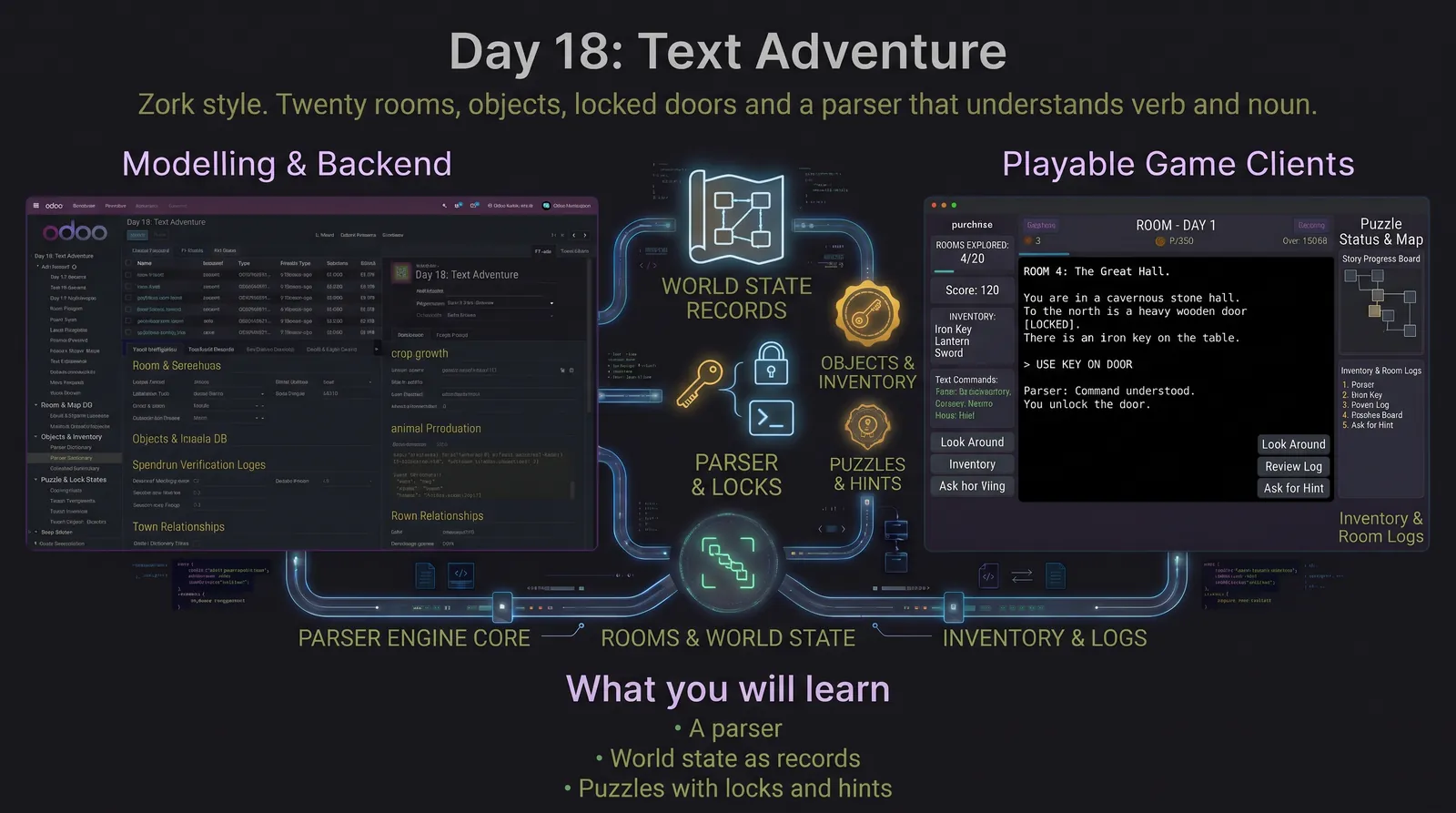
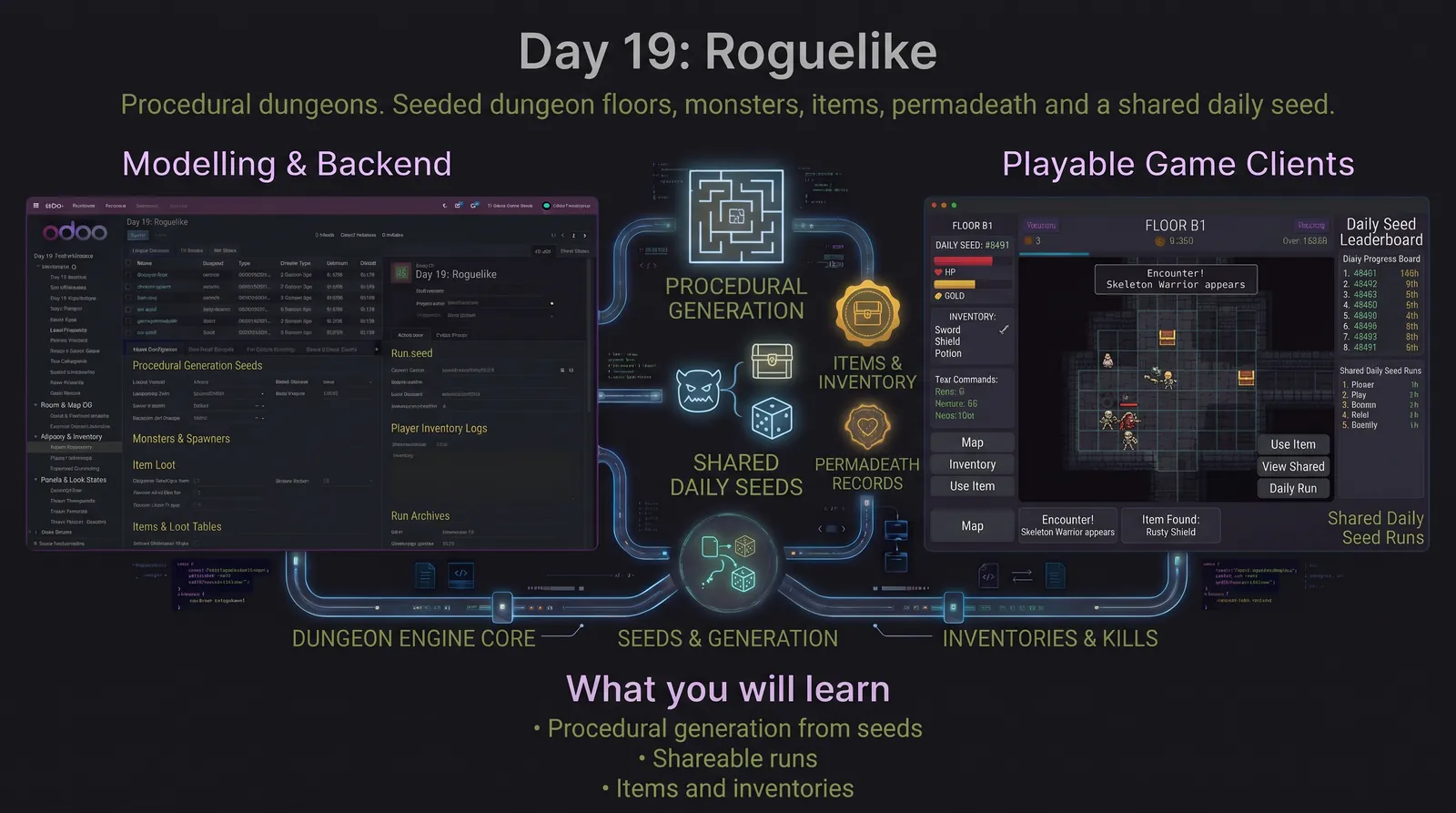
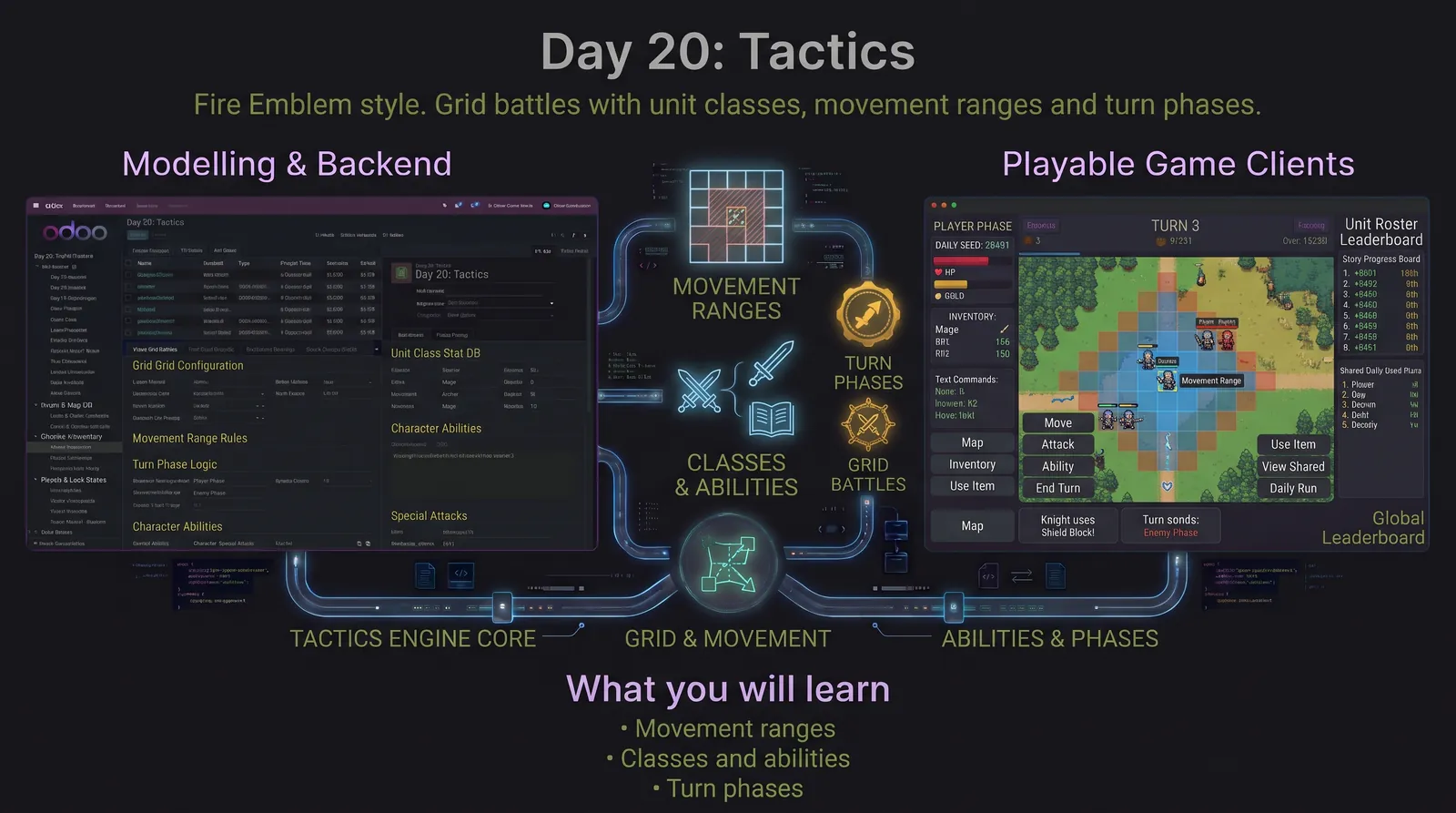
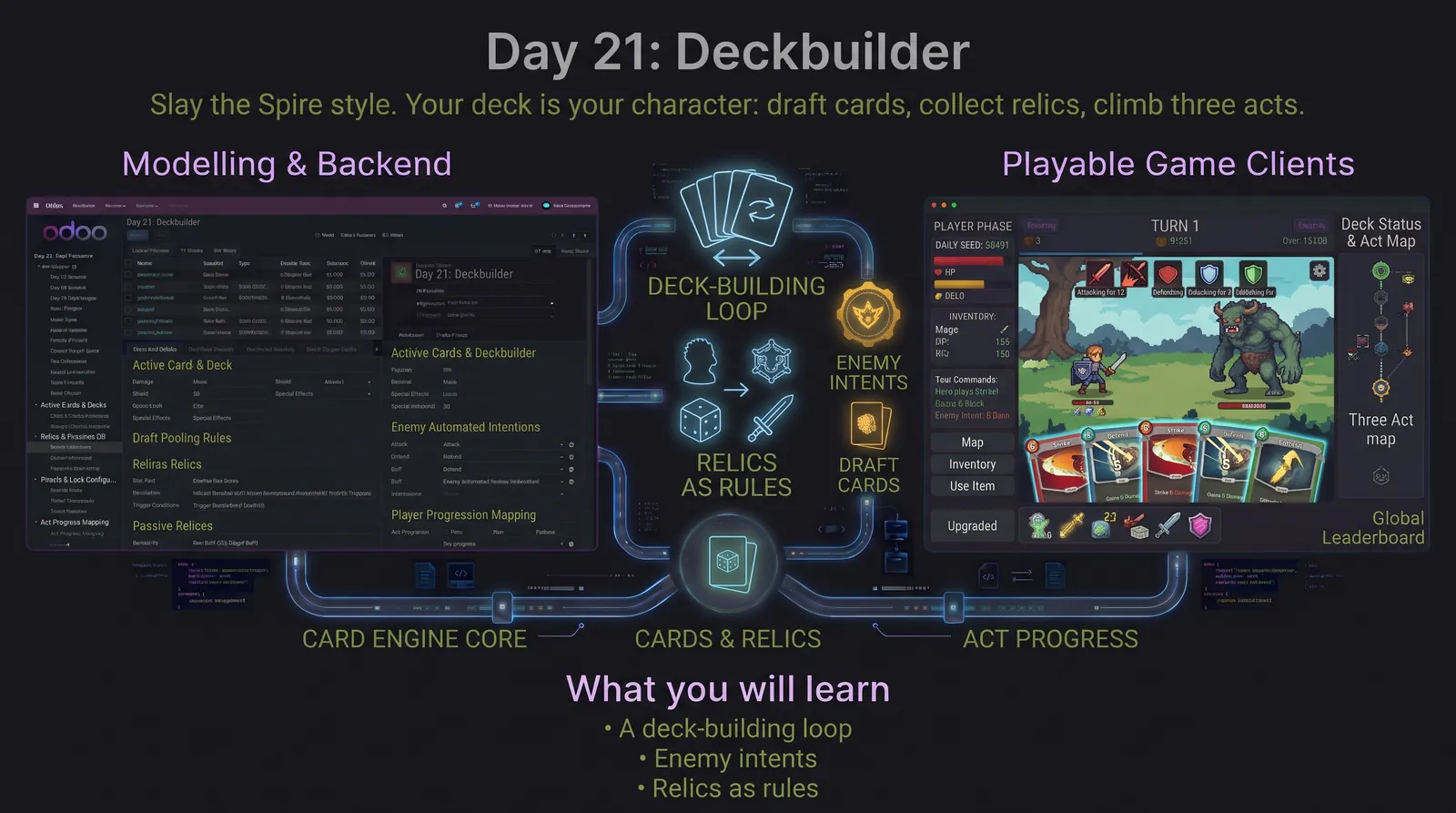
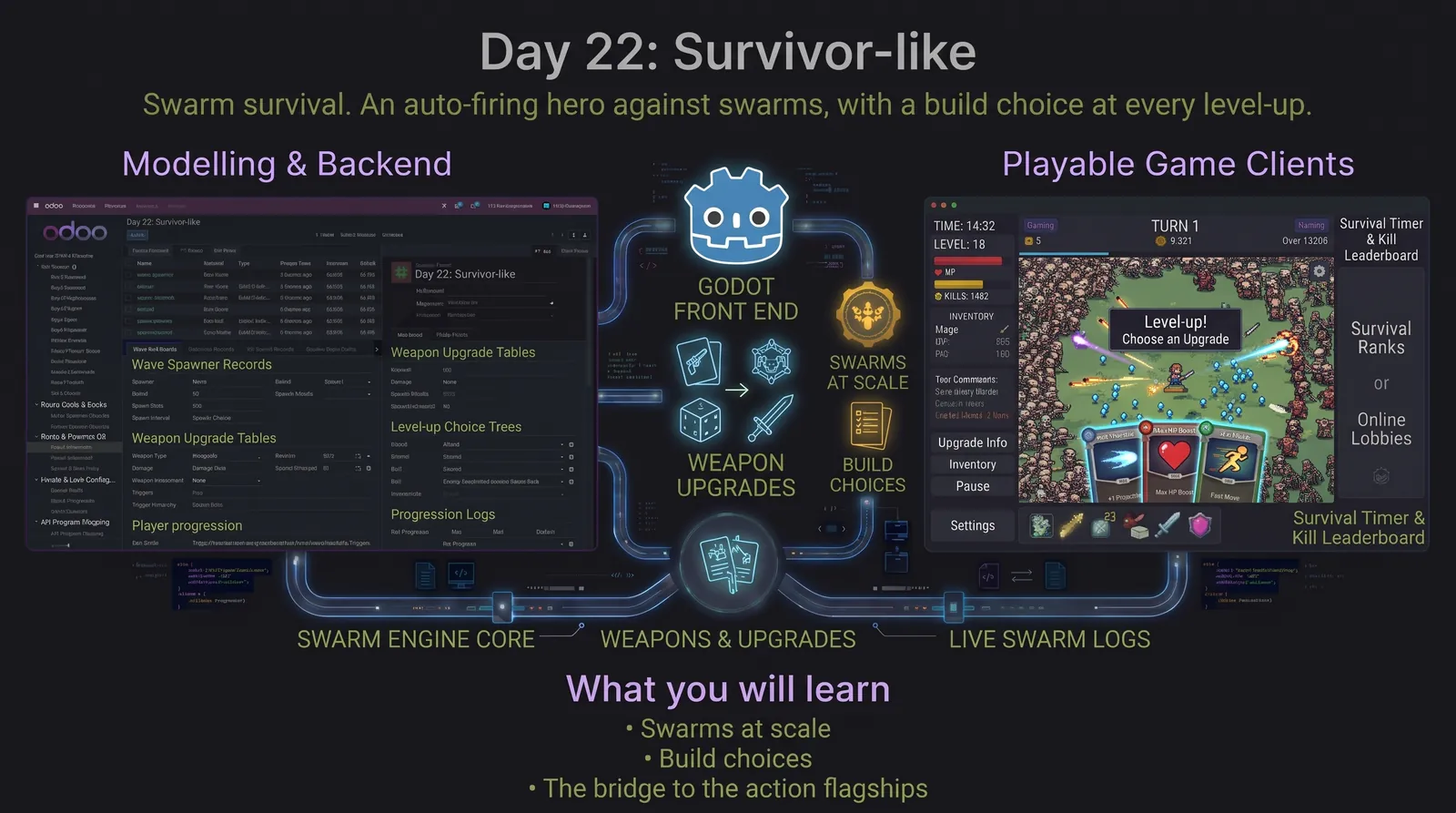
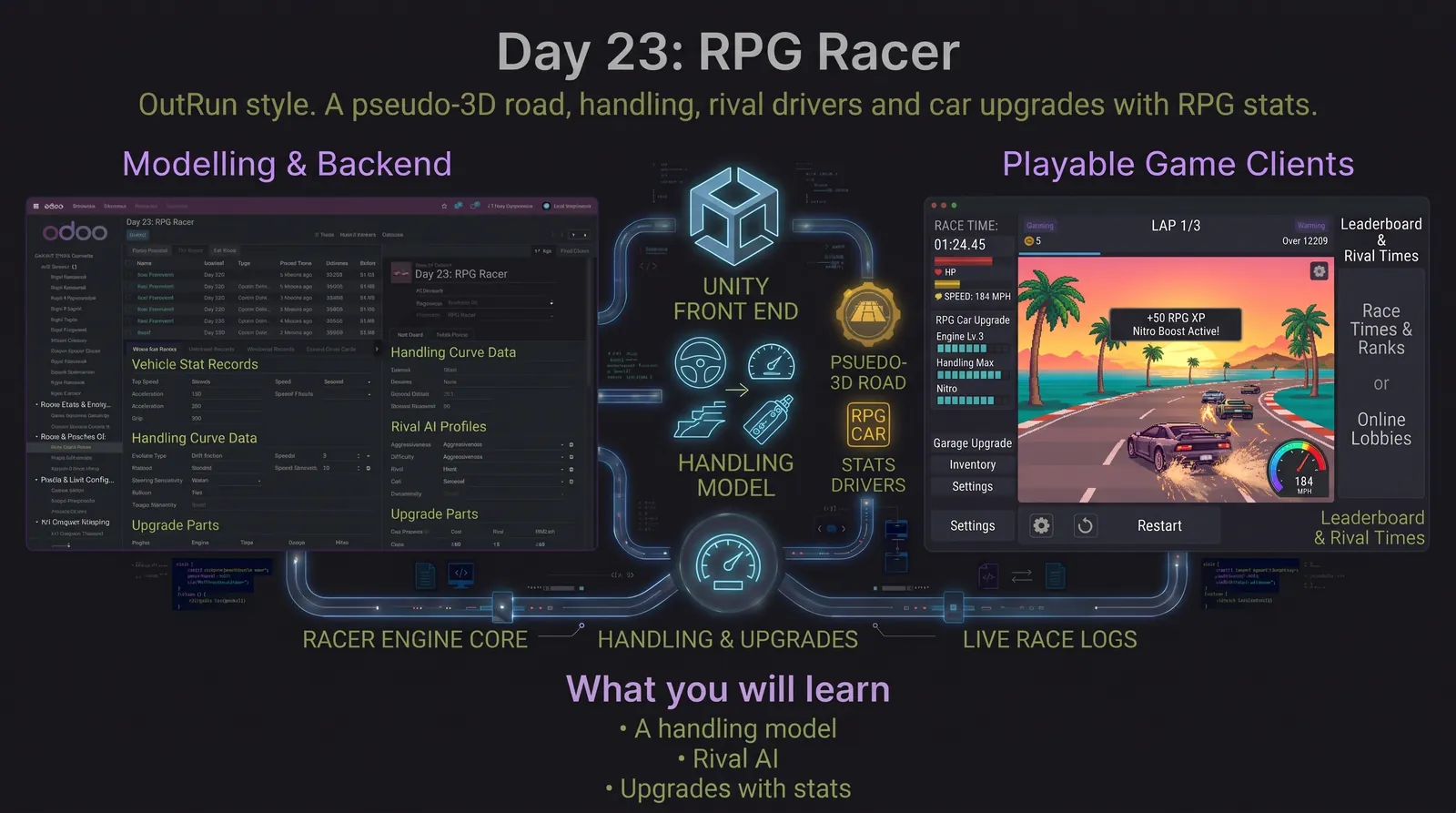
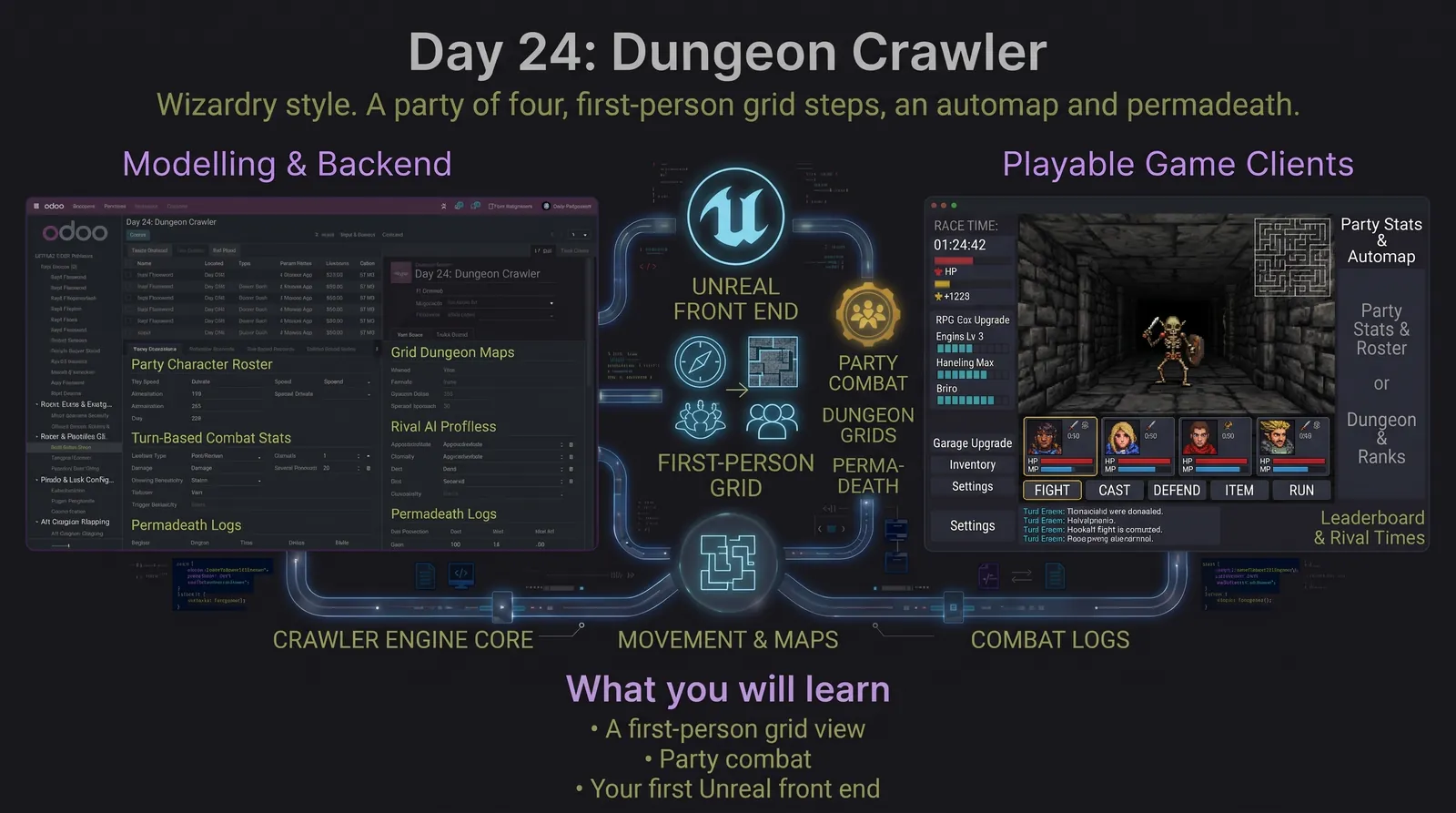
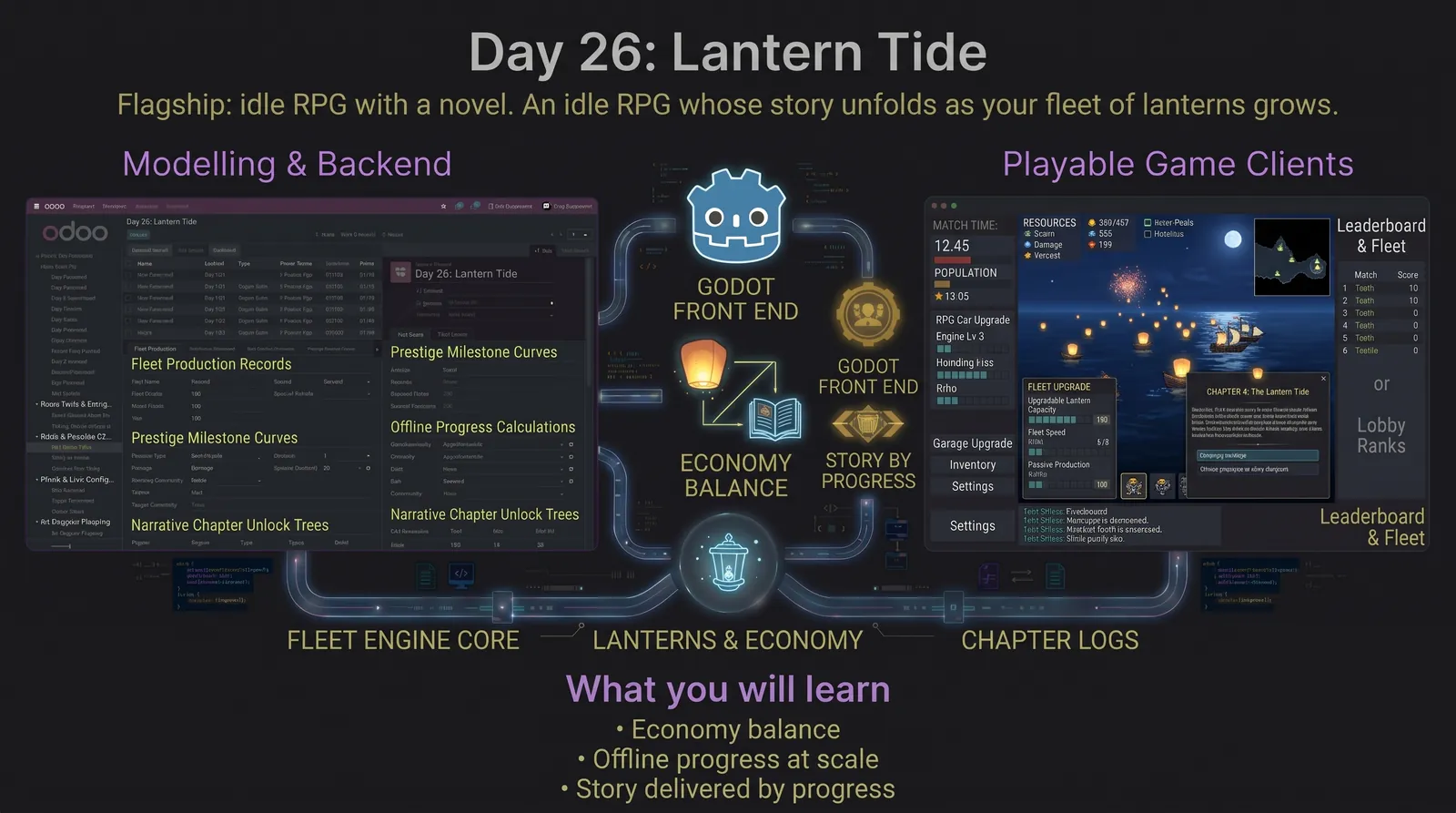
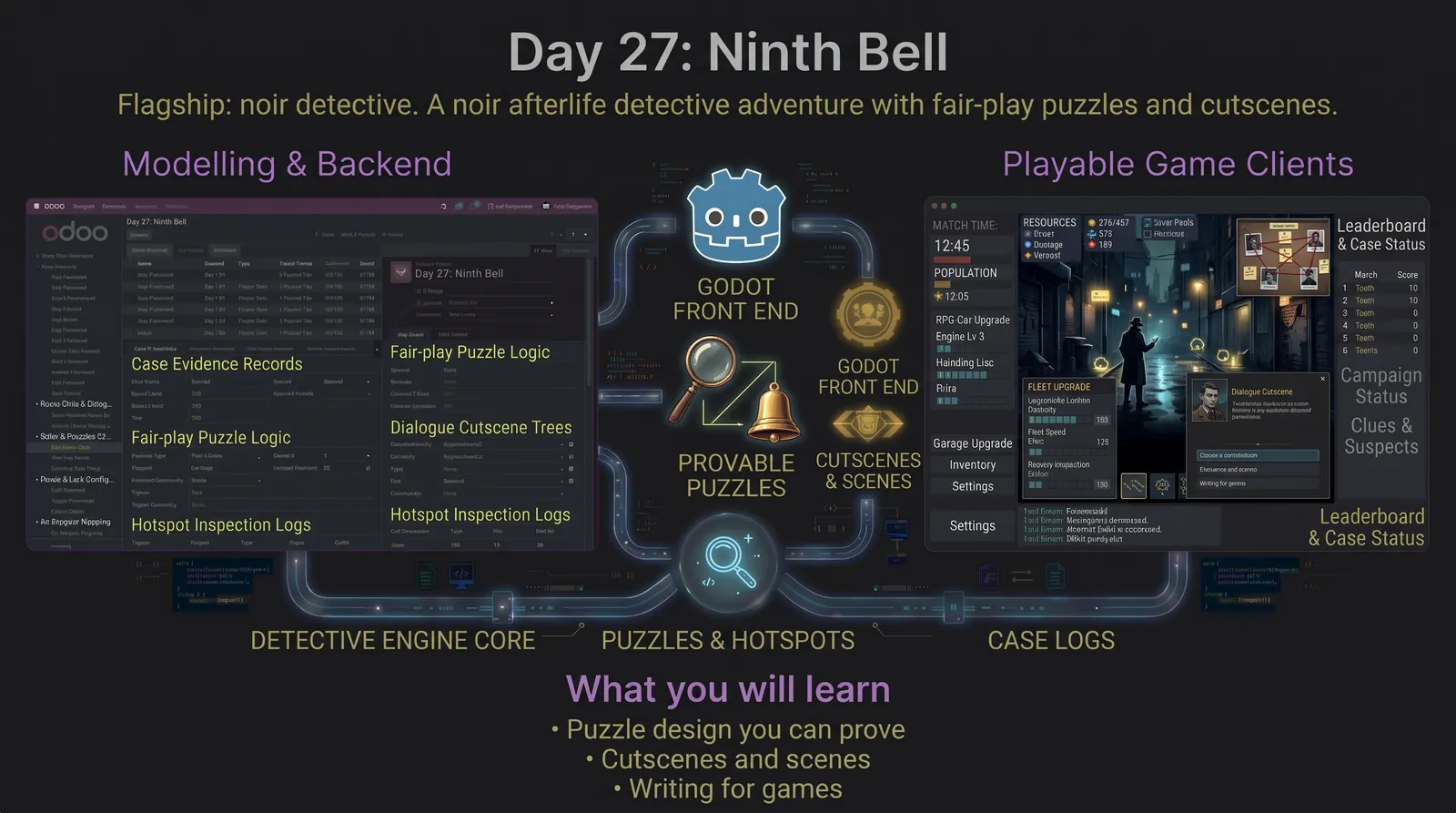
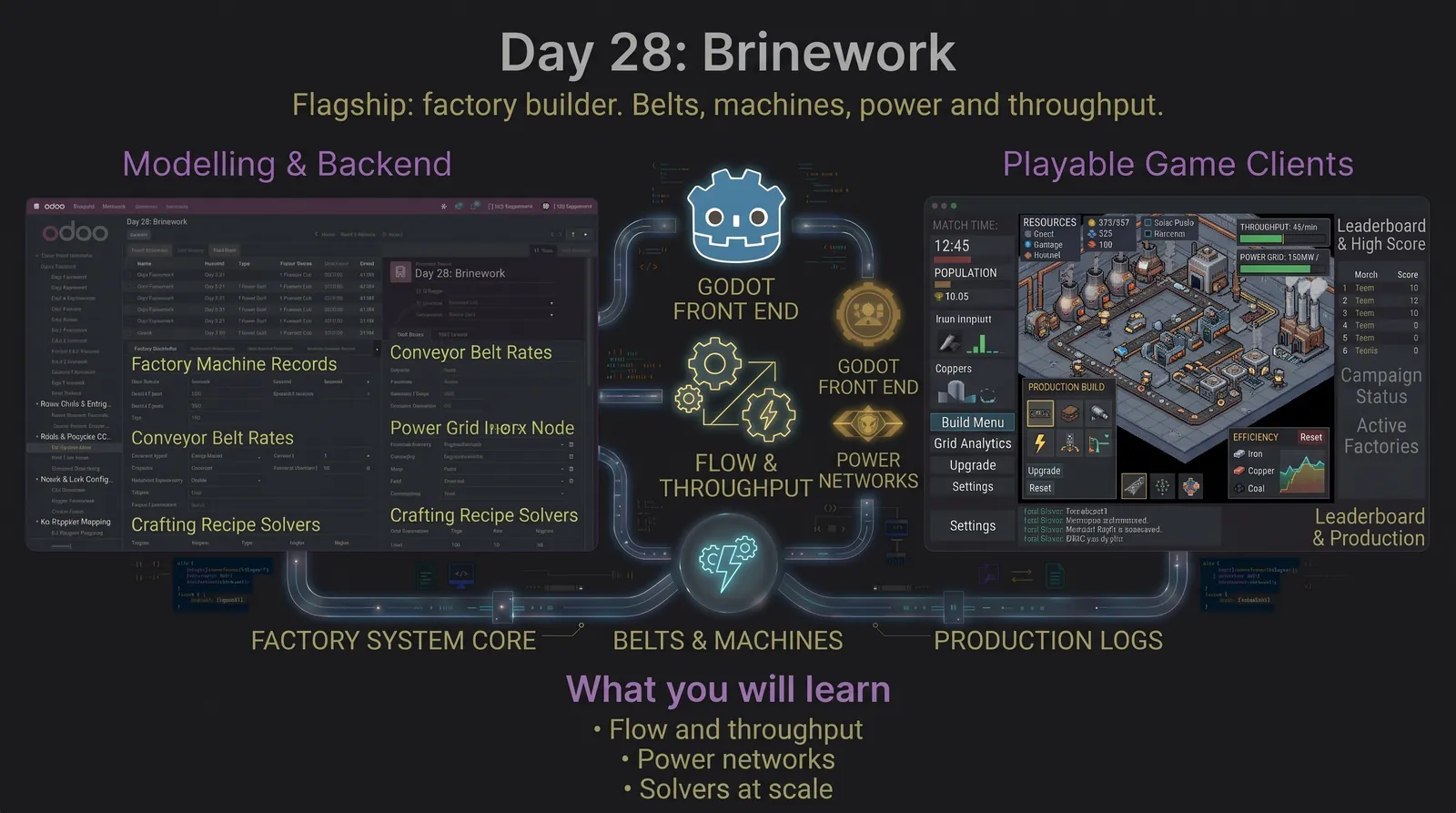
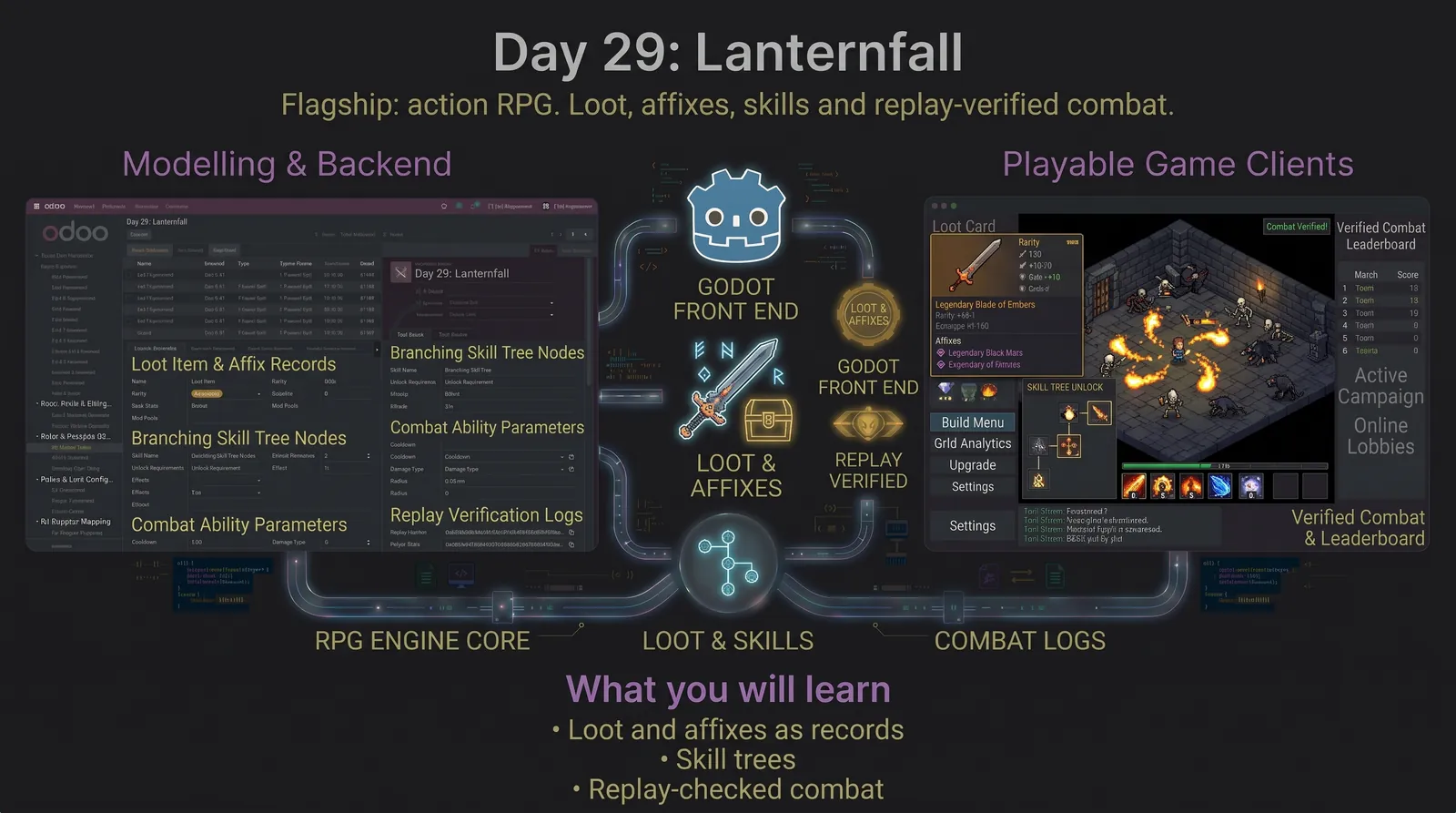
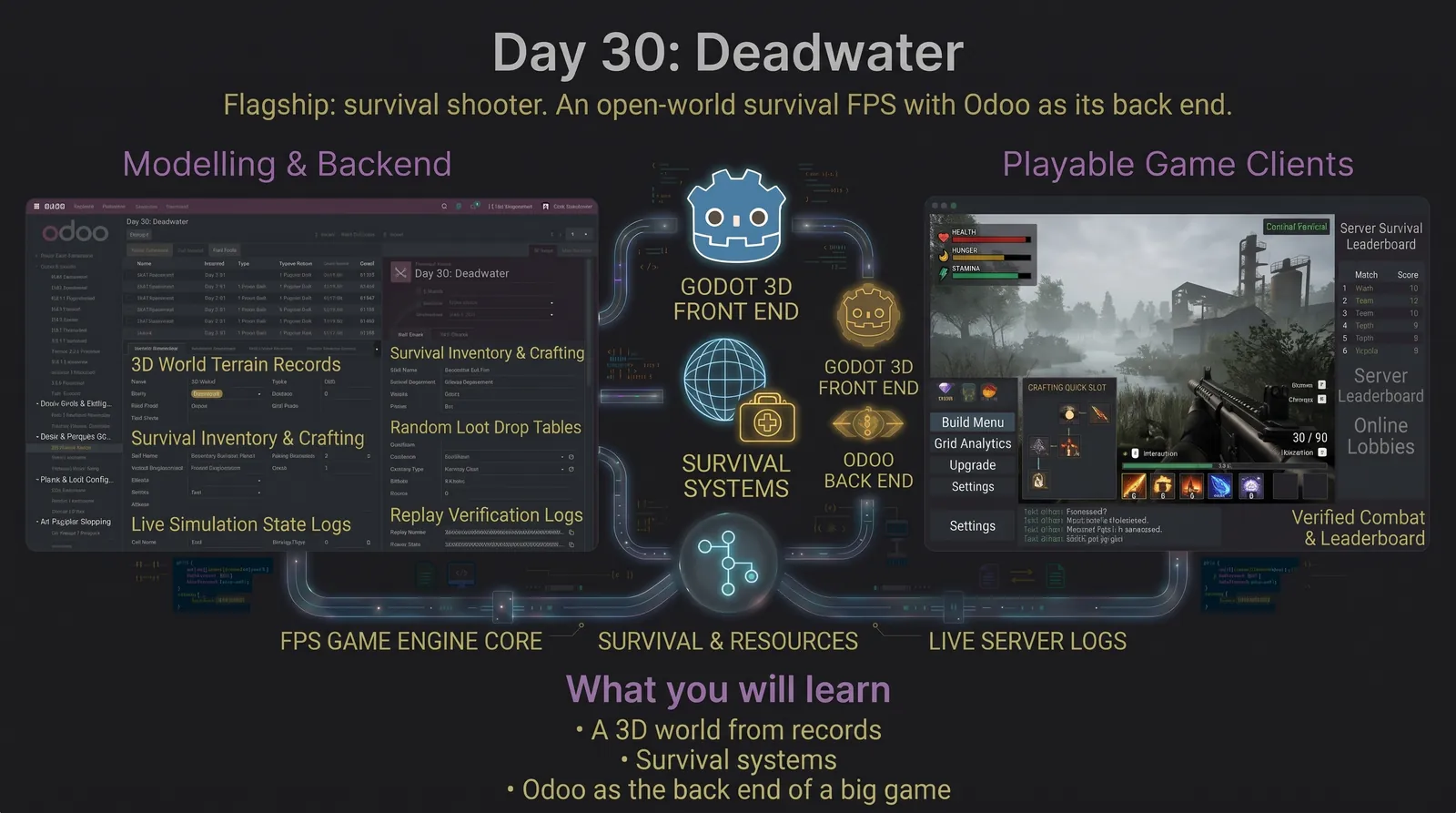
The first fifteen days run entirely inside Odoo. Days 16 to 30 add engine front ends, except Day 18, and finish with five larger flagship games. The pictures below were made by the course author for each day. Select any picture to open it at full size.
BuiltStarter or reference cabinet builtPlanned
Honest status
Days 1 to 5 exist today. Days 2, 3 and 5 are starters that their day upgrades, and Day 4 has one reference cabinet of its five. Days 6 to 30 are plans, described with the written design for each in the course map. The studio holds early recipes and prototypes for some of them, but we do not show anything as playable until it has a finished player page.
The five games you can play today
Capstone: Your first original game.
Games that live on their own clock
Capstone: A game that lives on its own clock.
Puzzles, cards and journeys
Capstone: A puzzle or card game with a daily challenge.
Your first engine front ends
Capstone: Your first engine front end.
Real time with Odoo as the referee
Capstone: A real-time game with Odoo as the referee.
Five flagships
Capstone: Ship your flagship.
Week 1 · Days 1 to 5
The five games you can play today
Week 1 is the week you can start on right now, because every game in it exists. Each day takes one of the five playable games and teaches the idea it is best at: curves and offline progress with Adventure Capitalist, data-driven events with Harbour Trader, branching stories with One Life, real time with a server referee in the Arcade Pack, and multiplayer turns in Property Trader. Four of them are starters that their day upgrades, and Day 4 adds four cabinets to the Brick Breaker reference.
The capstone for the week is the first thing you make that is truly yours: design and build an original game that mixes two mechanics from week 1 (idle, trading, story, arcade, board), with a leaderboard.
Capstone 1: Your first original game.
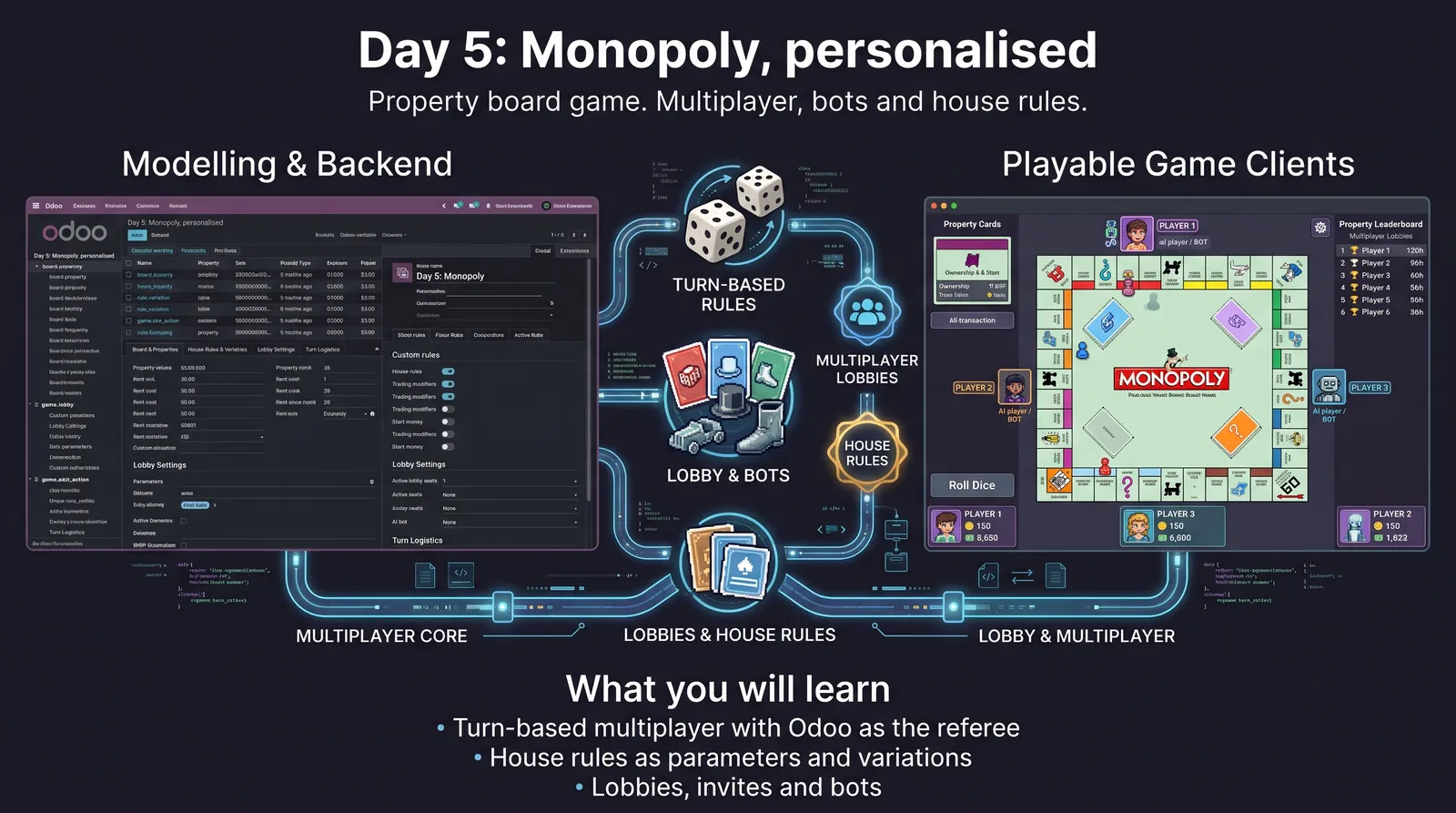
Week 2 · Days 6 to 10
Games that live on their own clock
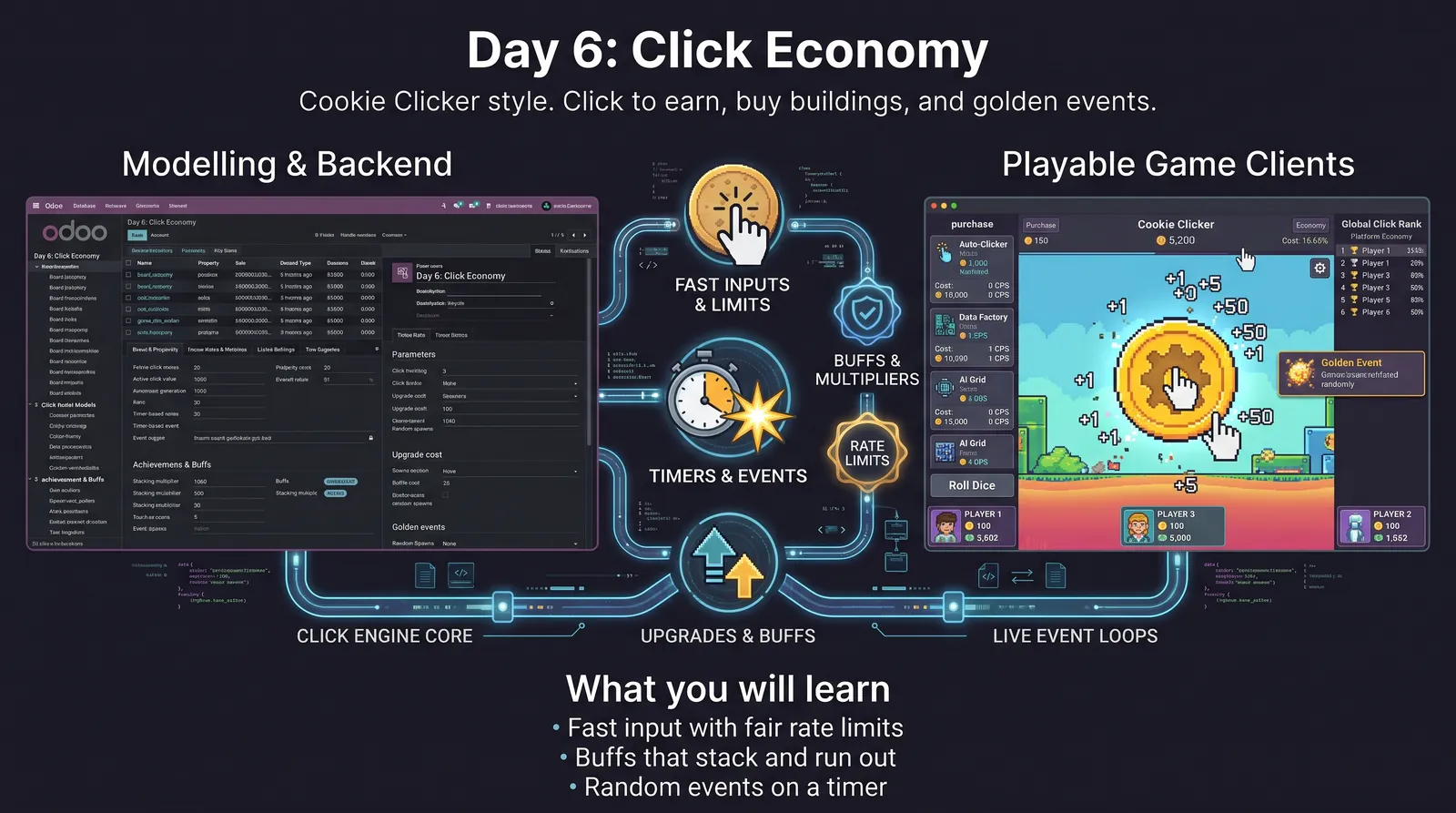
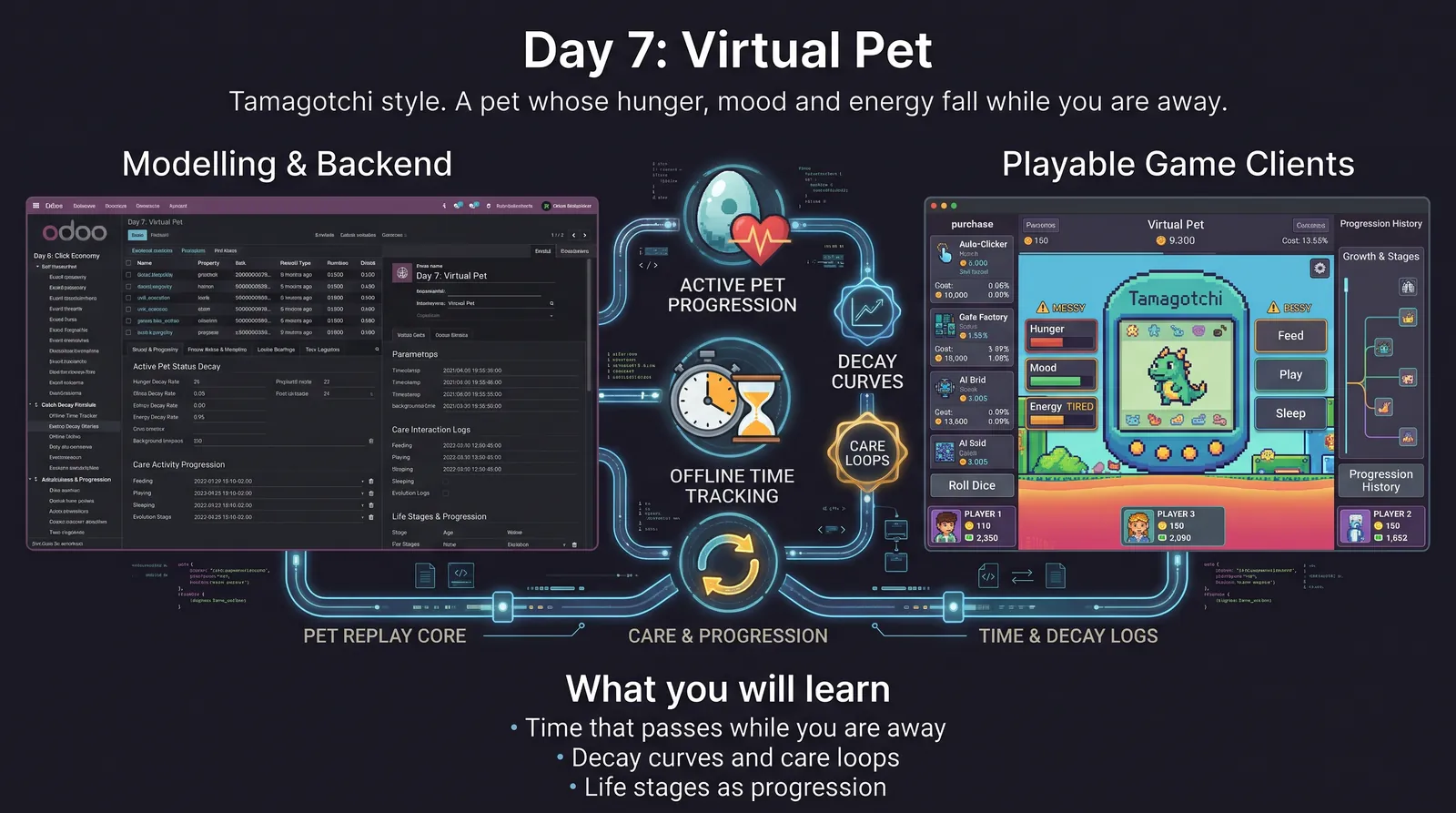
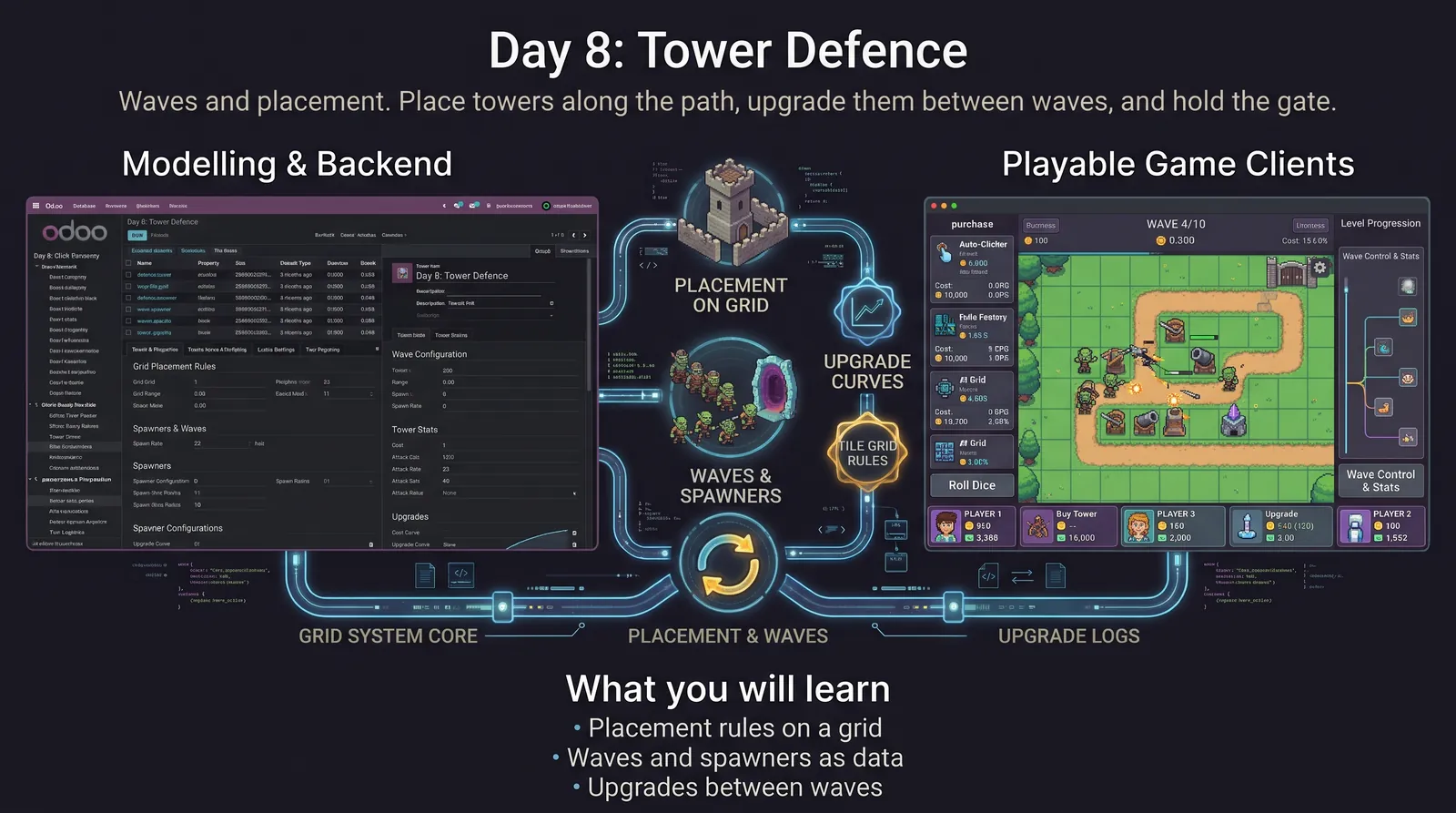
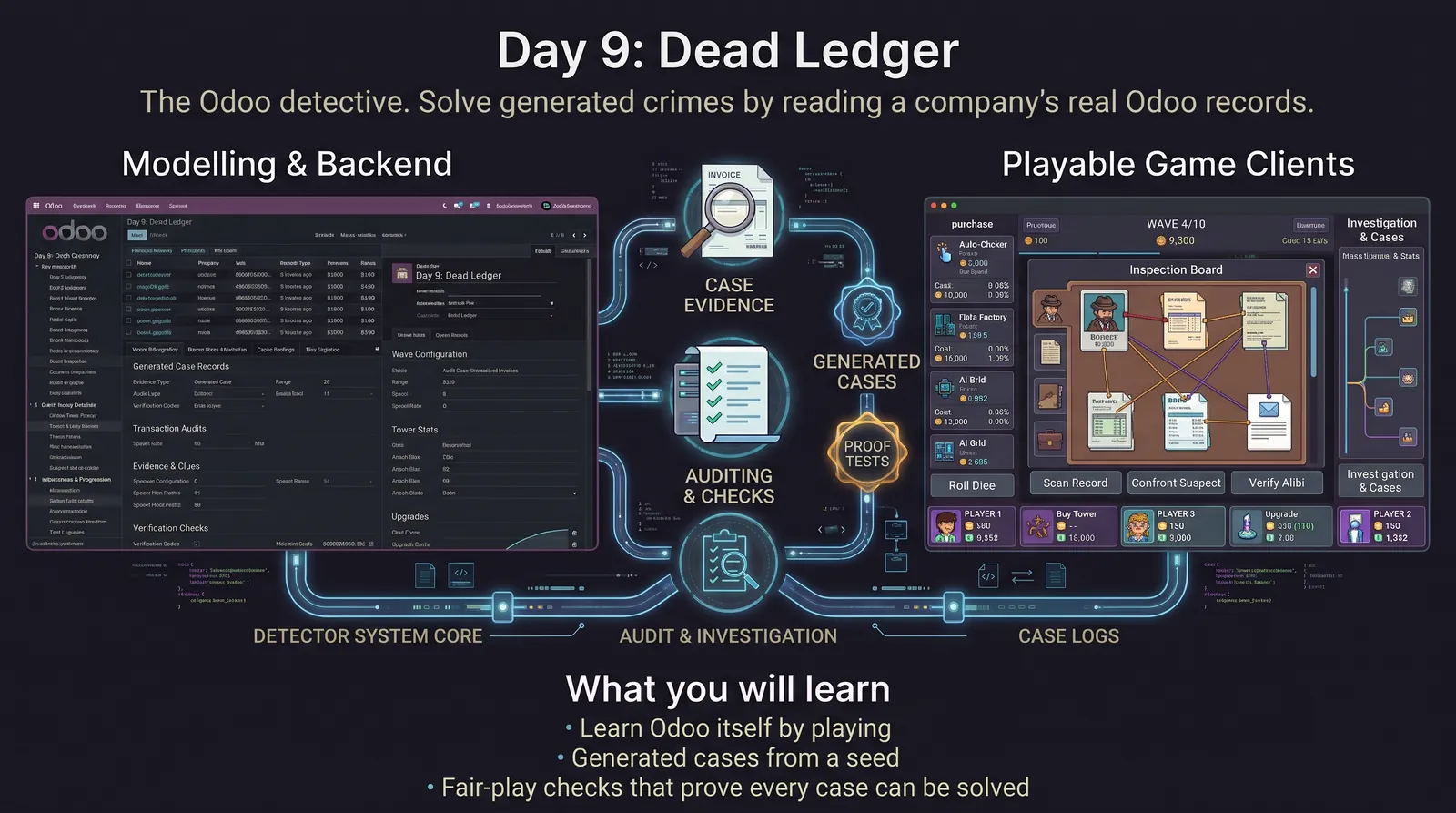
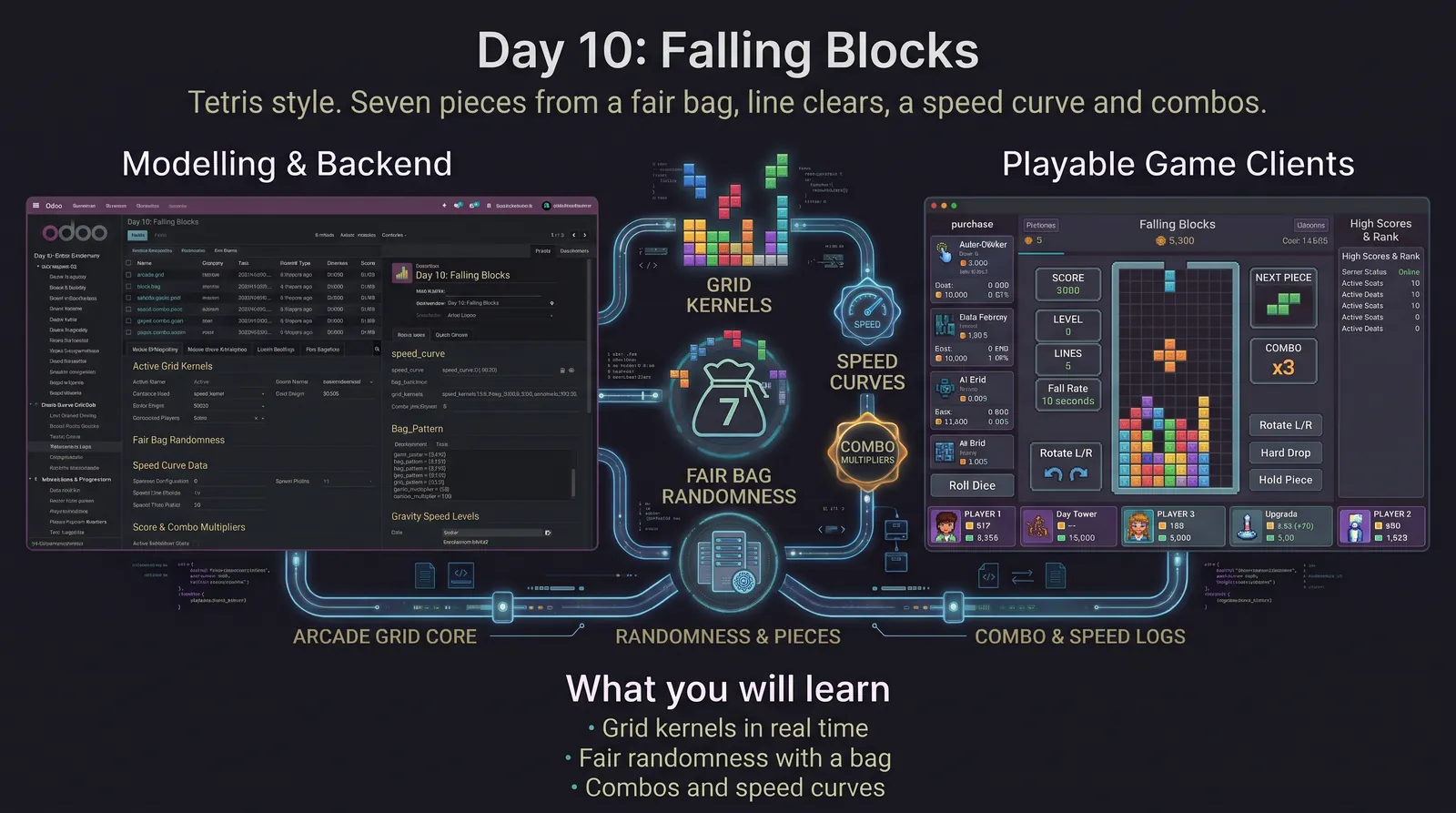
Week 2 is about time. A click game with a rate limit, a pet that gets hungry while you are away, a tower defence with waves, a detective game played inside generated company records, and falling blocks with a fair random bag. Every one uses the game clock rather than your computer's clock, so that "time passes while you are away" is something the server can work out and a test can check.
Day 9, Dead Ledger, is the one that teaches Odoo itself through play: the case files are the real records of a generated company, so solving the case means learning where Odoo keeps things.
Capstone 2: A game that lives on its own clock.
Week 3 · Days 11 to 15
Puzzles, cards and journeys
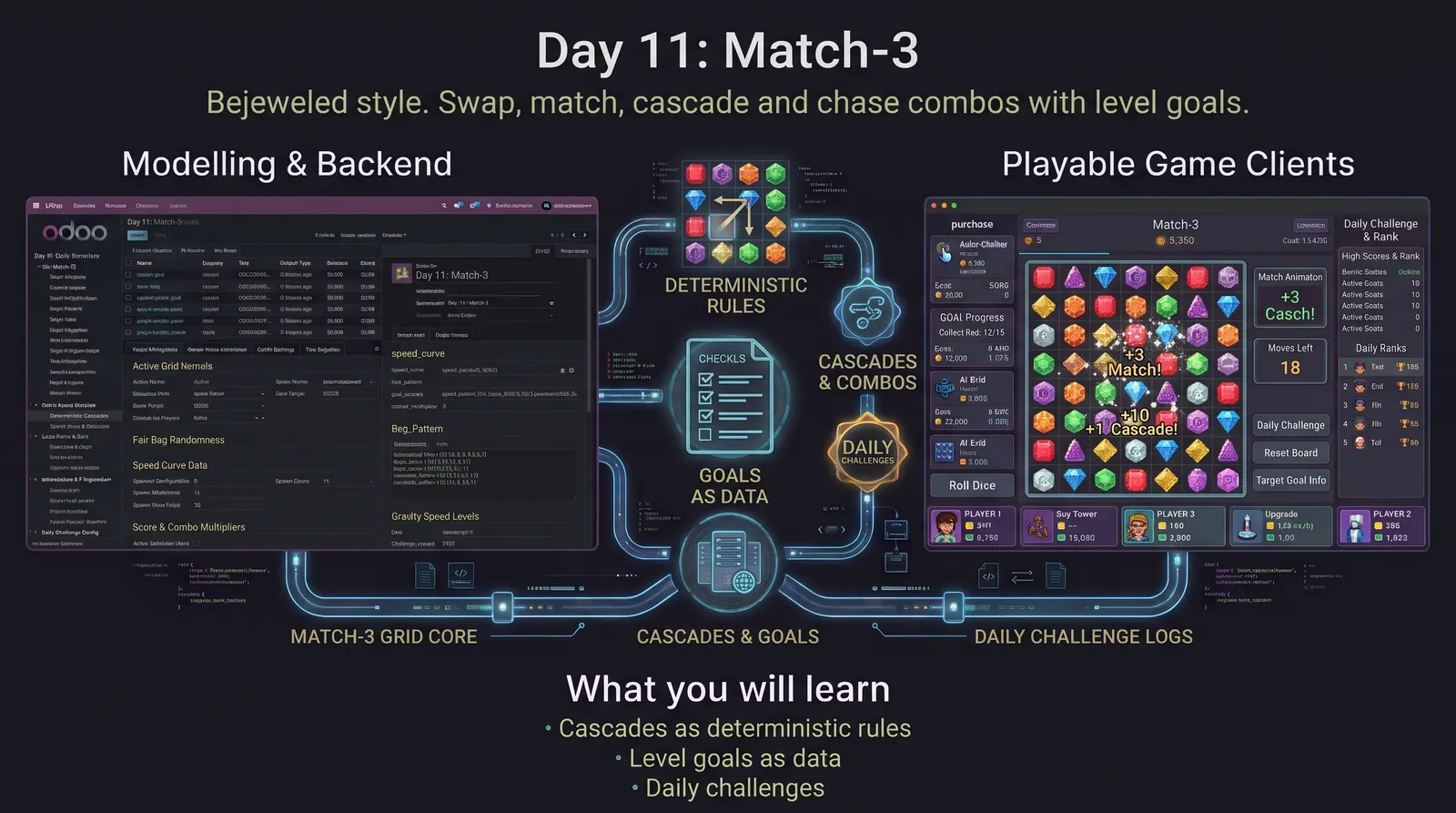
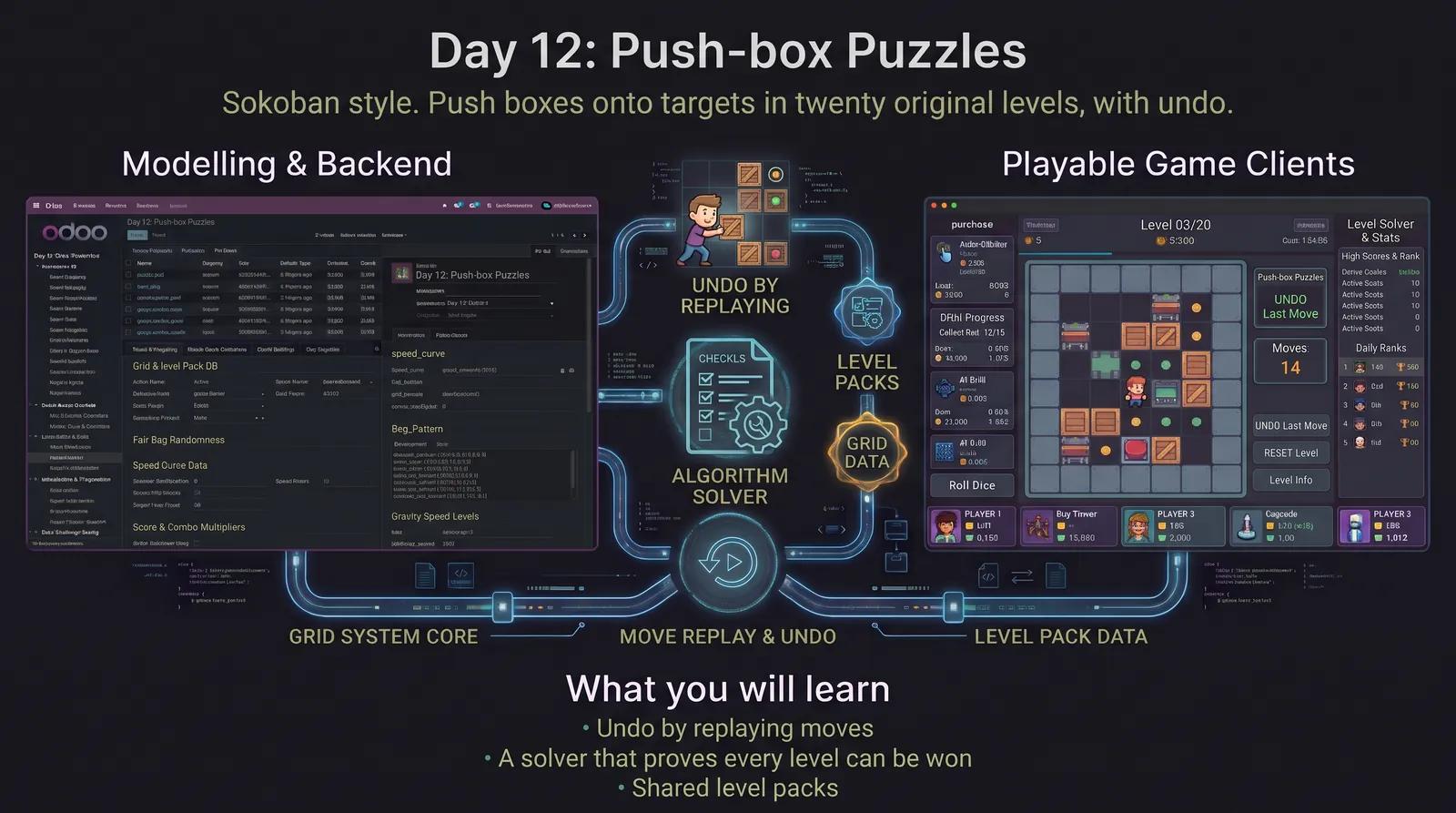
Week 3 turns to puzzle and card games. Match-3 teaches cascades as deterministic rules; push-box puzzles teach proof by testing, since a level the tests solve is a level that can be won; blackjack teaches odds and fairness; the wagon journey teaches resource pressure and events; and a hex board game teaches networks and trading. All of them are still inside Odoo, and all of them use seeds to make a daily challenge that every player gets in the same way.
Capstone 3: A puzzle or card game with a daily challenge.
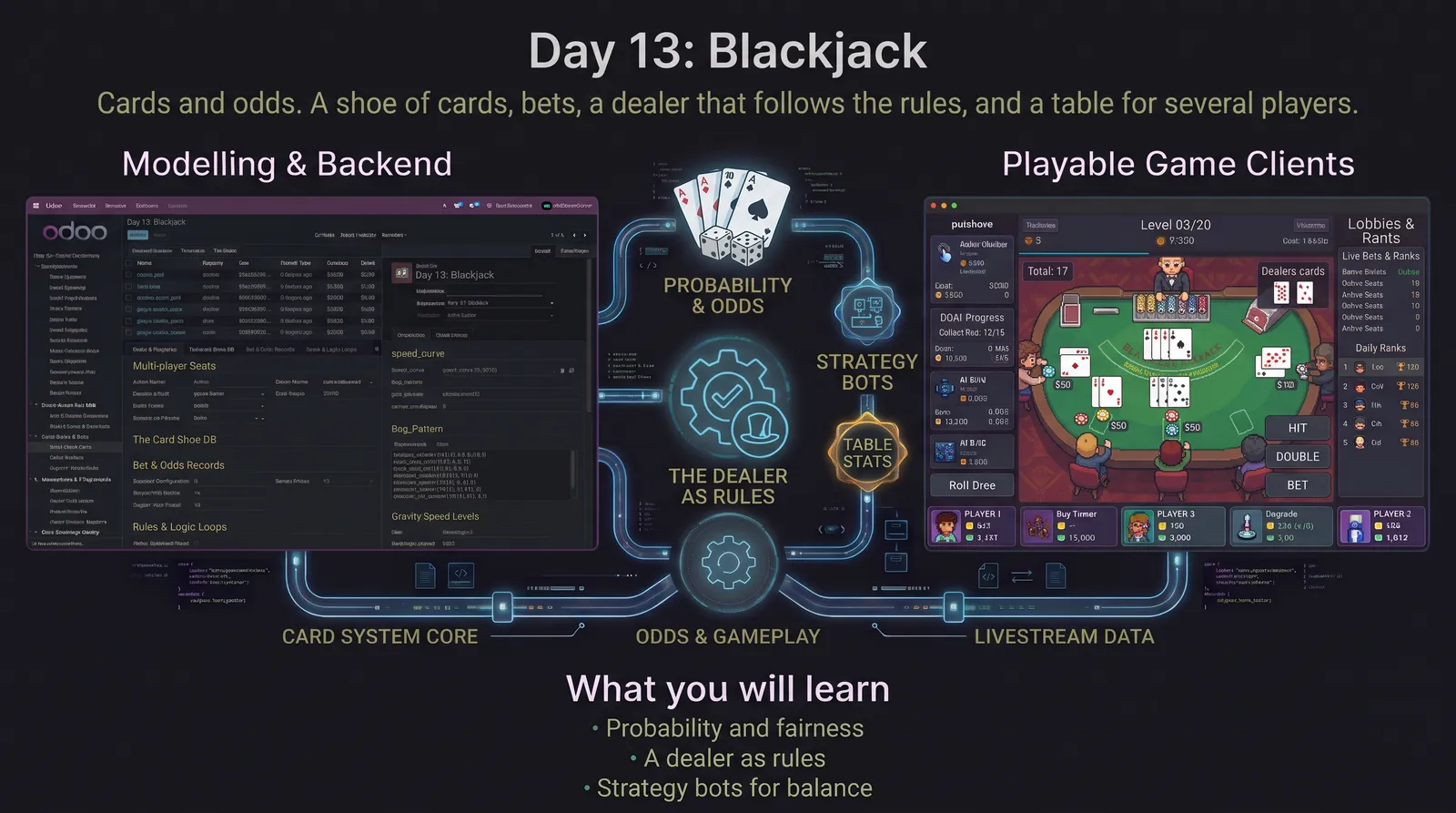
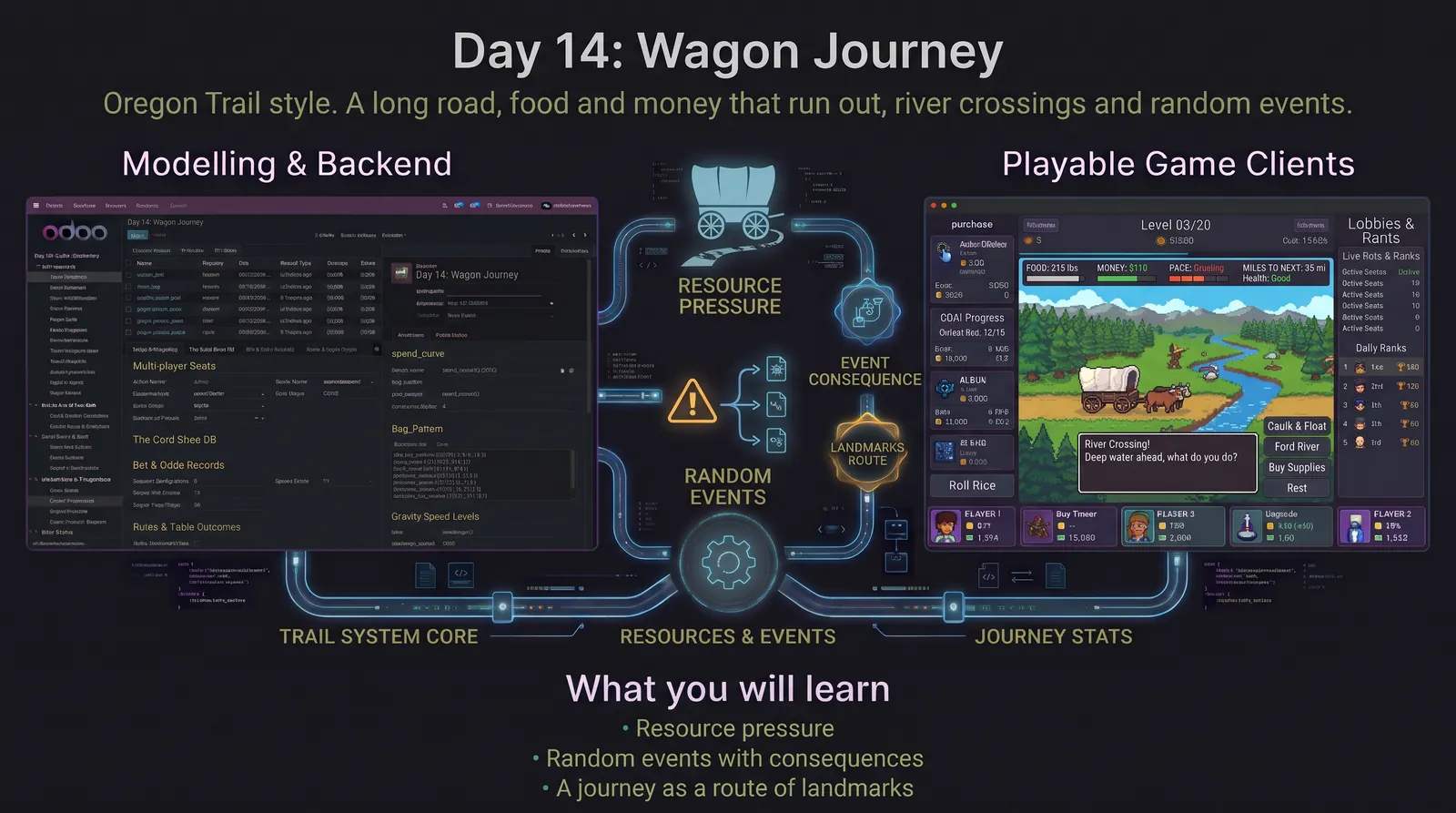
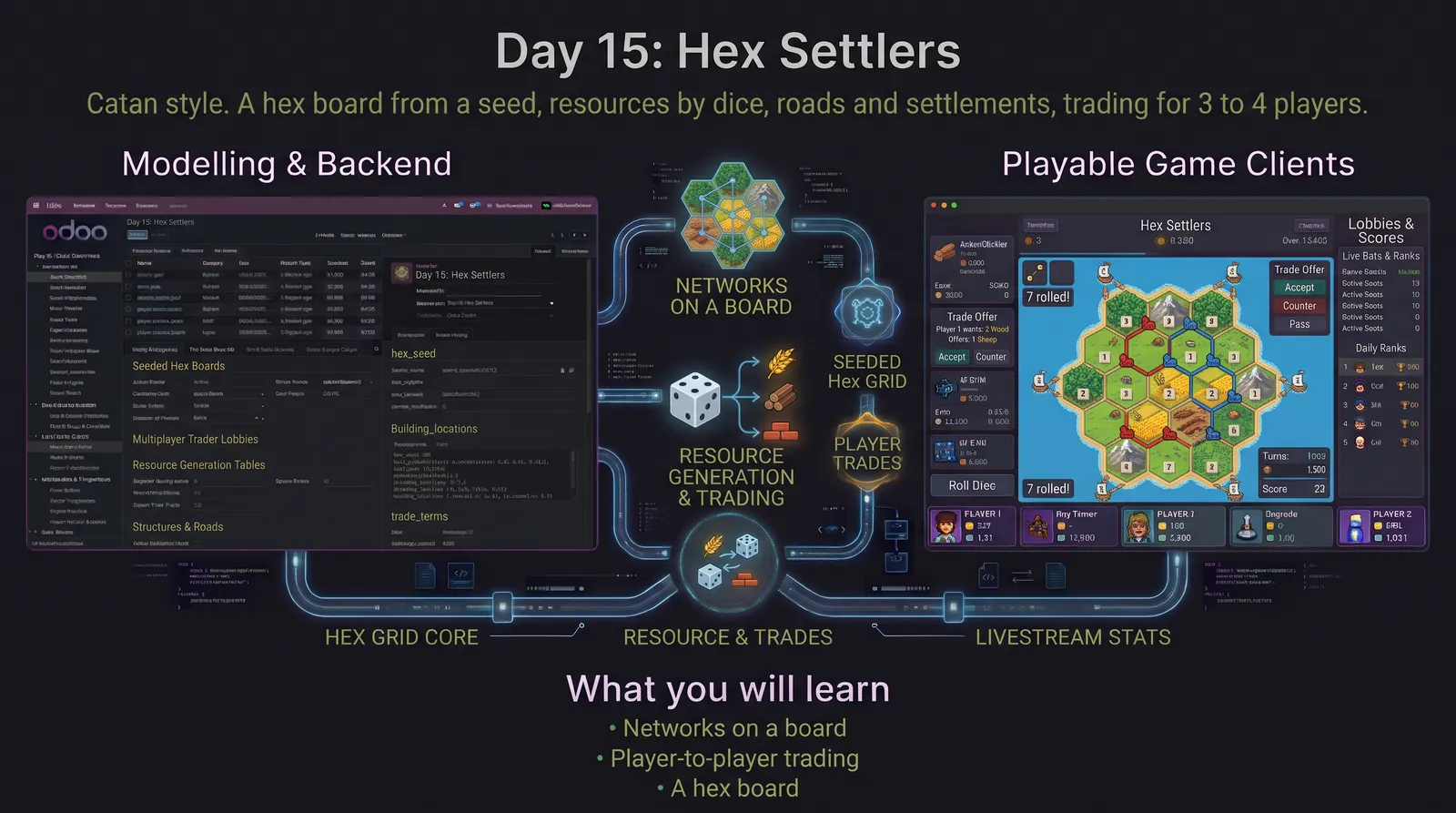
Week 4 · Days 16 to 20
Your first engine front ends
Week 4 is where the screen leaves Odoo for the first time, while the data does not. The platformer on Day 16 is the first game with a Godot front end: it downloads its levels as a content bundle made from Odoo records, plays at full speed, and sends a run log that Odoo replays to verify. The farm sim, roguelike and tactics games follow, while Day 18 stays entirely in Odoo as a text adventure, to show that not every game needs an engine.
Capstone 4: Your first engine front end.
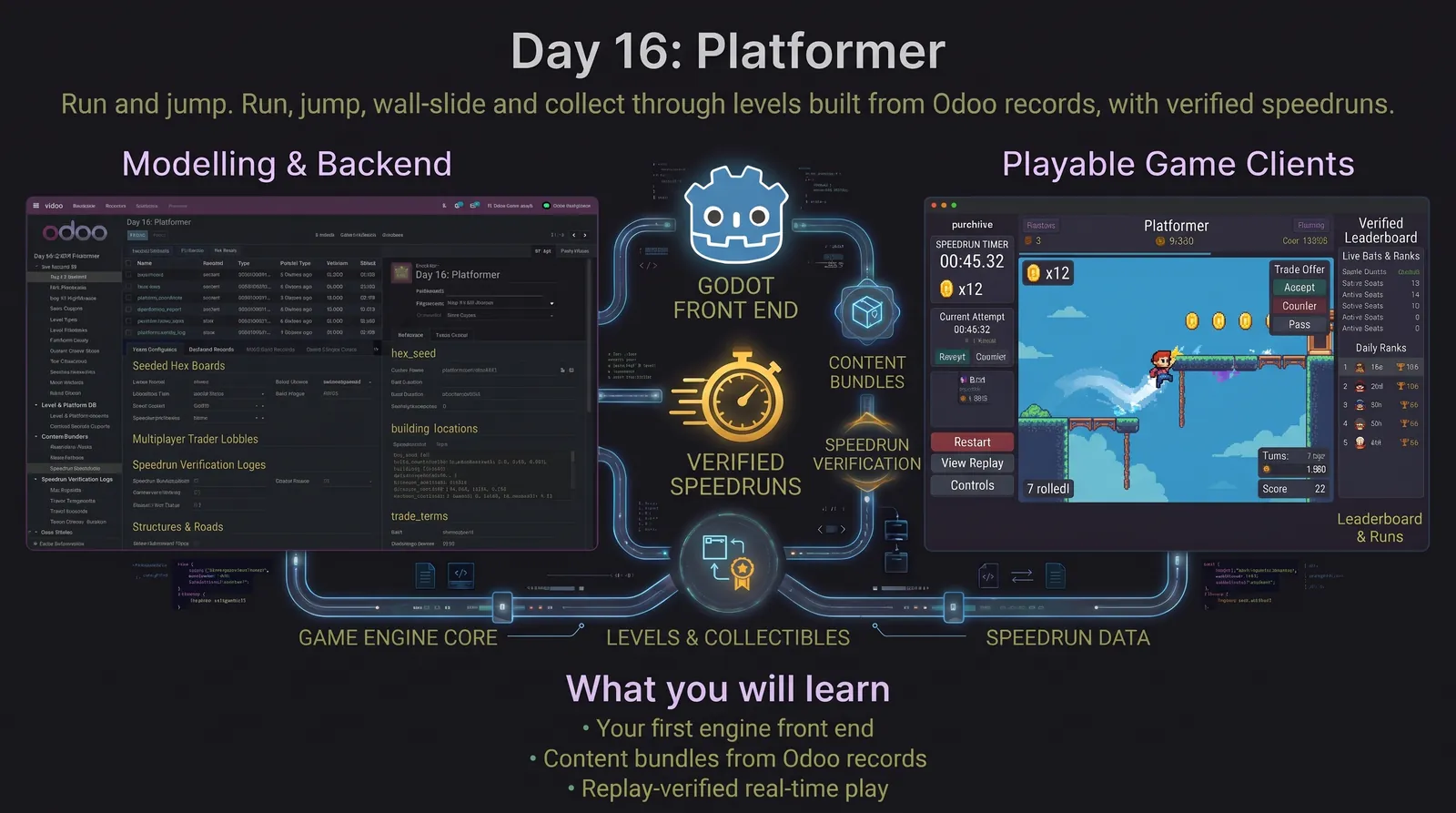
Week 5 · Days 21 to 25
Real time with Odoo as the referee
Week 5 raises the stakes: a deckbuilder, a survivor-like, a racer on the Unity front end, a dungeon crawler on the Unreal front end, and a real-time strategy game. The week's lesson is the same one as Brick Breaker, on a bigger scale: the client plays, the server replays and verifies, and Odoo stays the source of truth for accounts, saves, and scores.
Capstone 5: A real-time game with Odoo as the referee.
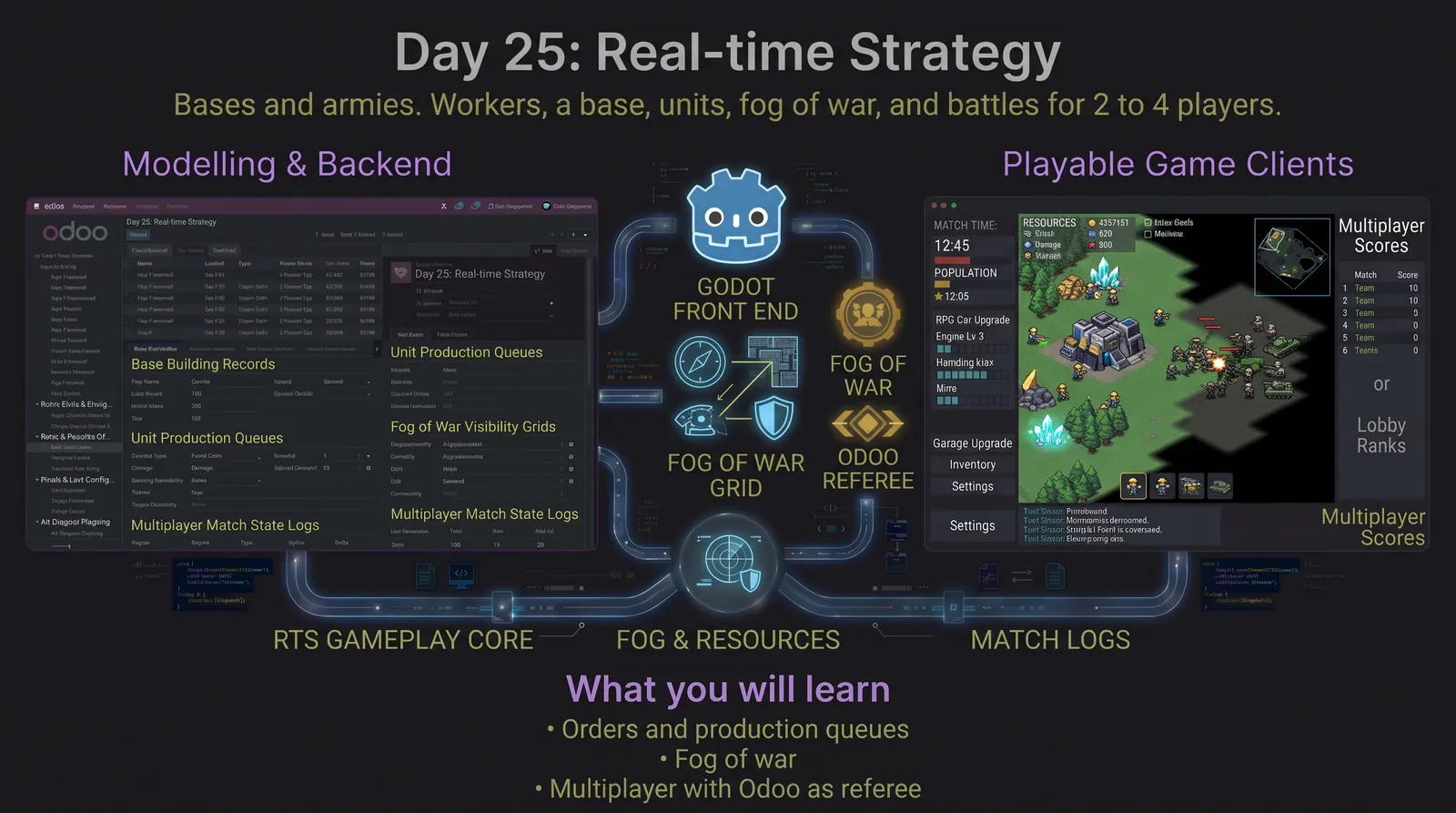
Week 6 · Days 26 to 30
Five flagships
Week 6 is five bigger games, each with its own written specification: an idle RPG whose novel unfolds as your fleet grows, a noir detective game with cutscenes, a factory builder, an action RPG with loot and replay-verified combat, and an open-world survival shooter. They are the courses that put everything together, and they are the games the studio is ultimately aimed at. The capstone is to ship one.
Capstone 6: Ship your flagship.
How a day course is shaped
| Lecture | What it covers | Where in the build |
|---|---|---|
| 1 · Overview | The game, its mechanics, the build plan and what "done" means at each layer | Plan |
| 2 · Design document | Rules, numbers, tuning tables, ERD, class and sequence diagrams, charts of the real numbers | Design |
| 3 · The models | Every model and field, the relations and why, with real code excerpts | Models first |
| 4 · Mechanics and engine | How a move runs, each handler, events, determinism and tests | Contracts, implementations |
| 5 · Recipes and contracts | The recipe read top to bottom, parameters, mutators and the tests that prove it plays | Recipes |
| 6 · The UX | The full game screen, input, sound, phone layout, every screen shown | Demonstrators and client |
| 7 · Polish | Juice, art, sound and balance passes with bots and charts | Polish |
| 8 · Ship it | Versions, publishing, share links, leaderboards and the next game's preview | Ship |
The build order inside every day is the same, and it is a rule of the studio: models first, then contracts, then implementations, then the API, then the recipe, then the demonstrators. Finish and test each layer before starting the next. It is the same order you would build any serious Odoo module, and it is the order that makes AI-assisted work safe, which is the subject of section 12.
Recap
- Thirty day courses in six weeks of five days, each with a capstone; each day has eight lectures and builds one game.
- Days 1 to 5 are playable now; days 6 to 30 are plans, shown with the owner's day pictures and honest status chips.
- Days 1 to 15 run inside Odoo; days 16 to 30 add Godot, Unity or Unreal front ends and finish with five flagships.
12 · What you will really learn
Real AI-assisted Odoo development, by making games
A game in this studio is ordinary Odoo: models, views, controllers, OWL, tests. Games are just the most enjoyable way to practise them.
It is worth being specific about the promise, because "learn Odoo by making games" can sound vague. The skills are concrete, and they are the skills that pay in client work. A game here is built from the same ingredients as any Odoo app: models and fields that describe the data, views and XML data files that put it on screen and in the database, controllers that serve JSON, OWL components that draw it in the browser, access rules that decide who sees what, and tests that prove it works. Thirty games means practising those ingredients thirty times in thirty different shapes.
| You will learn to… | In plain words | First practised |
|---|---|---|
| Read and design models | Decide what kinds of thing a game has (ports, choices, bricks), which fields describe them, and how they point at one another | Day 1, lecture 3 |
| Write and read views and data files | Lists, forms and XML data that put a game on screen and into the database, the same way for a game as for an invoice | Day 1 onward |
| Add controllers and routes | JSON routes that let a client ask the referee to make a move, and the rules for what it may answer | Day 2, then every day |
| Build OWL components | The small browser programs that draw a game: a board, a market, a pause menu | Day 1 client, Day 5 board |
| Write tests that play the game | Create a session with a known seed, make moves, and assert the exact result, so a game proves it works | Every day, lecture 5 |
| Use access rules and versions | Who may see and change what; why a published game is frozen; how to ship a new version safely | Day 1, Day 8 of each course |
| Brief and review AI agents | Hand a helper a well-formed task, make it work one layer at a time, and judge the result with tests, not with trust | From Section 4 of this course |
Working with an AI helper, deliberately
The other half of the promise is how you build. The studio was itself built with AI agents, and it was designed so that AI-assisted work is safe: every change to a game goes through one declared door, with validation, so a helper that proposes a wrong move gets refused rather than corrupting the data. Each day course is also a record of how a game was built with an agent, with the prompts that worked, the ones that did not, and the tests that judged them.
The loop below is the one you will run on every game. It starts with a plain description, pins down the model before anything is built, reuses mechanics that already exist, fills in the data, and lets the design check and the tests decide whether the result holds together.

Here is the shape, illustrated with a made-up example. Do not copy it; read it for its structure. "Add a sixth port, Manila, to Harbour Trader. First, list the records that need to change and which models they belong to. Do not write code yet. When we agree the list, add the records as data in the recipe, run Check design, then write one test that sails from Hong Kong to Manila and asserts the days taken."
Notice what the brief does. It asks for the model first. It names the order of work. It asks for a plain-words check before building. And it ends with a test that a machine, not the human, will judge. That structure is what the course practises, repeatedly, on real tasks.
Because each layer is the contract for the next. Models decide what exists. Contracts declare what a move takes and announces. Implementations do the work and are tested. The API exposes it. The recipe fills it with data. The demonstrator shows it. If you build the screen first, you discover your mistakes in the most expensive place. If you build the model first, an AI helper has a precise target and you have a precise way to review it.
It is fastest at typing what you have already decided: records, tests, repeated structure, translations. It is least helpful at deciding what a game should be or whether it is fun. In the loop below, the amber steps are yours: choosing the model, and judging the result by playing.
Writing a brand-new mechanic, extending the kernel, and how the studio itself was developed with agents are the subjects of separate developer courses. This introduction and the thirty days after it are about making and changing games with the studio, and learning real Odoo along the way.
In plain words
You are not being asked to become a game programmer. You are being asked to become someone who can describe a system precisely, check an AI helper's work against a test, and read an Odoo model. Those are the skills of a good Odoo developer in 2026, and games are an unusually fast way to build them.
Recap
- The skills are real Odoo skills: models, views, controllers, OWL, access rules, tests and the build order.
- You learn to brief an AI helper model-first, one layer at a time, and to judge its work with tests.
- Writing new mechanics and extending the kernel are separate developer courses.
13 · The course library
What is on offer, and what it costs
This lecture is free. So is Day 1. After that, you can buy one day at a time, or take the whole programme at once.
The courses live in Odoo eLearning, on the same database as the games, so the course you read and the game it teaches are one click apart. On 2026-11-27 the courses page listed 13 courses. The table below states the offer as it exists live, with prices read from the shop's pricelist the same day. Prices are data in Odoo, so if one changes after this page was written, the course page and the shop always show the one in force.
| What | Price | What you get |
|---|---|---|
| Introduction to Odoo Game Studio | Free public preview | Every lecture is open to everyone, no sign-in. Fifty lectures planned; this is lecture 1. |
| Day 1: Adventure Capitalist | Free with a confirmed email | Open enrolment: confirm your email address and the full course is yours. |
| Days 2 to 5 | $9.95 each | One course per day, each with its eight lectures, exercises and cheat sheet. |
| Days 6 to 30 | $9.95 each | Shells today, unpublished: they open as the days are written. Same price per day. |
| Six capstones | In the full programme | One per week: an original game, a clock game, a daily-challenge game, an engine front end, a real-time game and a flagship. |
| Odoo Game Studio Design & Implementation | Free with any course you buy | The developer reference course: every layer of the studio, from the kernel to the engine adapters. |
| The full programme | $295 list price | All thirty day courses, the six capstones and the Full Source Code. |
The full programme and the Black Friday price
The full programme is a single product, Odoo Game Studio: the full 30 days + capstones. Its list price is $295. When this page was written, the shop's pricelist also held a Black Friday rule that set the price to $95 from 26 November 2026 until 30 November 2026 at 23:59 US Pacific time. After that end time the rule stops matching and the list price applies by itself, so nothing on the site needs switching, and the page will show the right price either way. If you are reading this after the end time, the price you see on the product page is the price you pay.
Buying a single day does not give you the bundle, and the bundle does not need the days bought separately: it enrols you in all thirty day courses and the six capstones in one purchase, and adds the Full Source Code, whose delivery instructions are shown on your account page after you buy. Any paid course also opens the Design & Implementation reference course.
See the full programmeBrowse all courses
In plain words
The introduction is free because the best way to decide whether this is for you is to use it. Play the five games, read this page, and watch the next four lectures. If you are still curious, Day 1 is free as well, with only a confirmed email address.
Recap
- The Introduction is a free public preview, and Day 1 is free with a confirmed email.
- Days 2 to 30 are $9.95 each; the full programme of 30 days, 6 capstones and the source code is $295, with a Black Friday price of $95 until 30 November 2026 at 23:59 US Pacific time.
- Any paid course includes the Design & Implementation reference course.
14 · Questions you might have
Before you begin
Fourteen questions that come up most. Open the ones that matter to you.
No. Every term is explained the first time it appears: record, model, field, module, move, mechanic, recipe, session and client. Later lectures show short, readable code excerpts, always with a plain-words reading beside them, and the early lectures need none at all.
This introduction is a free public preview, which means every lecture can be read and watched by anyone without signing in. Day 1, Adventure Capitalist, is free with a confirmed email address. Days 2 to 30 cost the price listed in section 13, and the full programme is a single purchase.
Real ones. Section 5 of this introduction builds Adventure Capitalist record by record, and every one of the thirty days builds a different game. The capstones ask you to make something original from what the week taught.
The introduction plans fifty lectures of eight to fifteen minutes each, about nine and a half hours of video in all, with a written lecture beside every video. Each day course has eight lectures, and a day is meant to be one focused day of work, though you can go at any speed.
None in particular. The method, a model first, one layer at a time, tests as the judge, works with any capable coding assistant. The courses show prompts and results, and they teach you to review the work rather than to trust one product.
Not to start. All five games and the studio run on this site, and you can play, read and, with the right access, make drafts here. The modules are written for Odoo 20 and can be self-hosted; the course for developers explains how the studio is installed and tested.
Games 16 to 30 use engine front ends. Godot is supported and tested today; the Unity adapter is written but has not yet been run in the Unity editor; Unreal is planned for a single course day and not started. The courses are labelled with these statuses so nothing is a surprise.
Not in the way you might hope, and the course says so plainly. Odoo is the referee, not the network code. A real-time game can run on the client and be verified by replay, as Brick Breaker is. A shared-world shooter with many players in one arena would need a real-time relay beside Odoo; the Day 30 flagship shows how Odoo stays the back end for accounts, economy and verified results.
Both. Every lecture is planned as a short narrated video and a full written lecture. This page is lecture 1 in written form, so you can read it on any device; the video gives you the tour in about eight minutes.
You do. Everything is an Odoo record in your own database. Because the modules can be self-hosted, a studio can keep its rules, content and players on a server it controls, with no per-player fee from the studio's side.
A guest is a real player with their own saves and scores, so nothing is lost while you play. A guest can upgrade to an account, and the sign-up flow keeps what the guest did.
They were read from the running system on the day this page was written: the mechanic counts from the mechanic catalog, the record counts from each game's recipe, the prices from the pricelist and the screenshots from the live player pages. Where something is only planned, a box says so.
No, and it does not claim to be. It is a working studio with five playable games, a tested kernel and a catalog of mechanics, and a plan for the rest. The honest status of each piece is written next to it, and the course is the way that status improves, one day at a time.
Every lecture ends with a try-it-yourself step, every day course has a cheat sheet and exercises with solutions, and the course library is on the same site as the games, so you can always open the game and the record side by side.
Recap
- No prior knowledge is assumed; the introduction is free and Day 1 needs only a confirmed email.
- Statuses are stated honestly: Godot is supported, Unity is written, Unreal is planned, and days 6 to 30 are plans.
15 · Your instructor
Greg Moss
PLACEHOLDER FOR THE COURSE AUTHOR
[Greg: replace this box with your own bio, a photo, and a few lines on why you built Odoo Game Studio. Nothing here has been written for you: no credentials, years or numbers.]
16 · Your first ten minutes
Now go and play
You do not need to understand anything yet. Just notice that the list of moves exists: that list is the whole idea of the course.
- Sign in to the studio with the account you were given, or simply open a game page as a guest.
- Open Game Studio > Play Console.
- On Day 1, press New session, then Start game.
- Play for a minute, then open Sessions and find your game. Open it and look at its Moves tab: every move you made, in order.
Try it yourself
Make two sessions of Harbour Trader with the same choices and compare their move logs. Then think about this: if the log is the whole game, what else could you do with it? Replay it? Test it? Fork it? Verify a score from it? All four are things the studio does.
What comes next
Lecture 2, and the road beyond
Lecture 2, The one big idea: a game is data (also a free preview) takes Harbour Trader apart. You will see the same game three ways: played, as lists of ports, goods and routes, and as the recipe file that the studio loads. Then you will change one record, the moneylender's interest, and watch the game change. It is the lecture where "a game is data" stops being a sentence and becomes something you have done.
Lectures 3, 4 and 5 finish the first section. Odoo in ten minutes, for game makers teaches a beginner to move around Odoo. The map of Odoo Game Studio walks the six layers one at a time and follows a single click through all of them. Your first ten minutes in the studio takes you through playing a game and then reading what it recorded, and introduces how the thirty days work.
Welcome to Odoo Game Studio
What you have, the big idea, Odoo in ten minutes, the map of the studio and your first ten minutes.
The 30 games, your roadmap
One short design brief per game: the classic, the core loop, the records, the mechanics and what the day teaches.
How it is built, at 30,000 feet
The referee, the mechanics, rules as records, recipes and versions, front ends and media.
Make games fast
Inspect, tune, remix, test and share a game, then how to ask an AI helper to build with you.
Your first game, step by step
Design, build, test, change and ship Adventure Capitalist, record by record.
Lectures 1 and 2 are free previews. The studio internals, extending the framework and how the studio was developed are separate courses; this one is about making games fast.
A tour of the five playable games in your studio and what you will be able to make by the end of this course.
There are no comments for now.